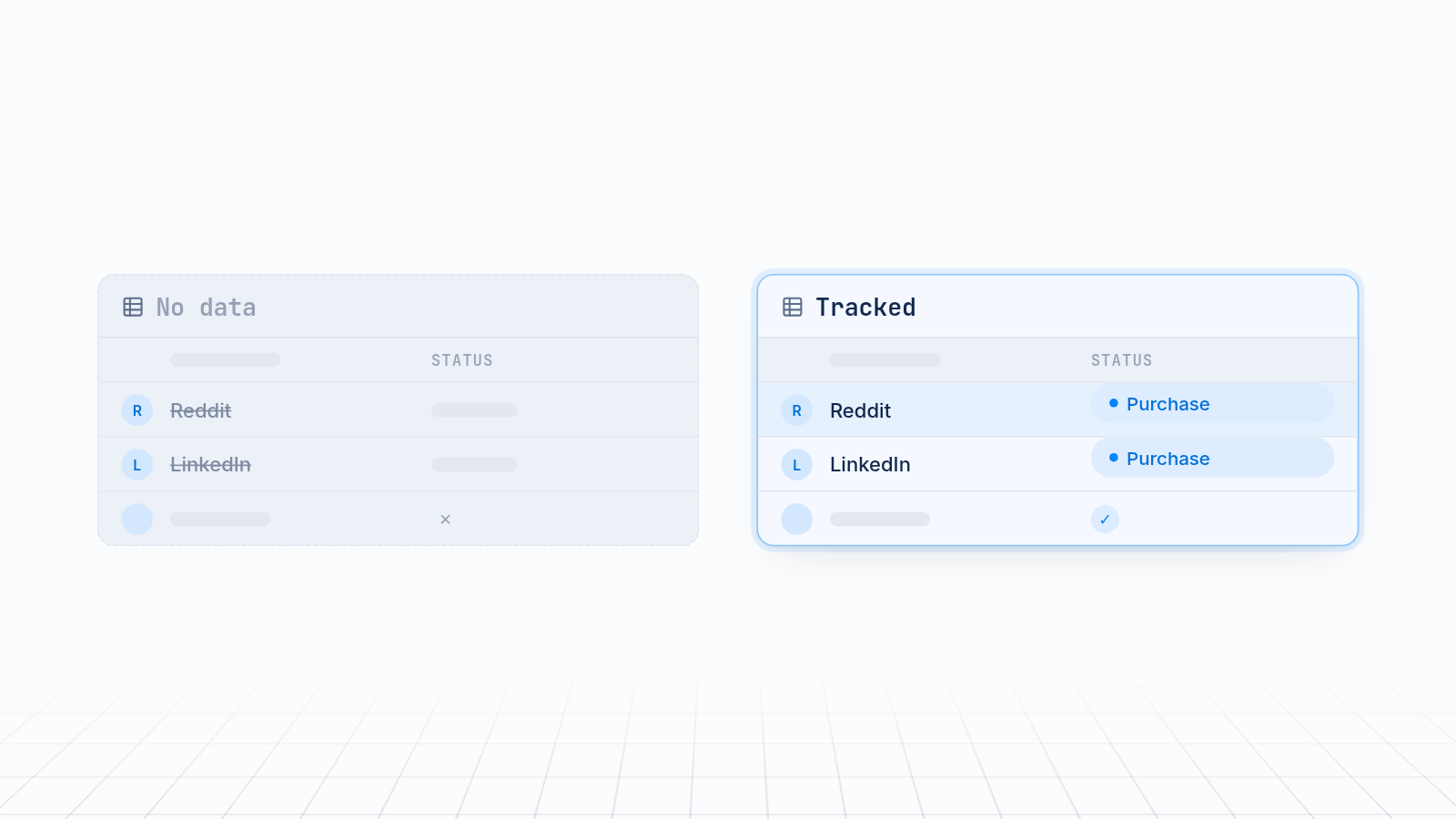
To add a Reddit pixel and LinkedIn Insight Tag to Shopify, copy the Reddit pixel ID and the LinkedIn Insight Tag partner ID from each ad platform. Then install each one as a Shopify custom pixel, or use an app. Map your purchase and lead events, then test that each one fires. Without this, Reddit and LinkedIn can't see your sales, and you keep paying for ads you can't judge.
This guide covers both routes in plain steps. It also says where MultiPixels helps and where it doesn't.
Key takeaways
Reddit and LinkedIn can only report sales if their pixel or tag fires on your store.
You need the Reddit pixel ID and the LinkedIn partner ID before you start.
You can add each one as a Shopify custom pixel, or use an app so no code or tech team is required.
MultiPixels covers Facebook, Instagram, TikTok, Snapchat, X and Pinterest. Check its listing before counting on Reddit or LinkedIn.
Test every setup with a real test order before you trust the numbers.
Why Reddit and LinkedIn tracking matters for ad spend
Without pixel data, the ad platform can't see which ads lead to sales. You pay for clicks it can't learn from. If Reddit never hears about a purchase, it can't find more people like your buyers. If LinkedIn never records a lead, your campaign report shows spend and nothing else.
Your reports also disagree. Shopify shows an order and the ad platform shows nothing, so you guess which ads work. Reddit ads conversion tracking on Shopify and LinkedIn conversion tracking on Shopify both start with a working pixel. It gives you a clearer picture of what drives sales and where to move budget. If the numbers still differ after setup, fixing the mismatch with Shopify analytics is the next step.
Find your Reddit pixel ID and LinkedIn partner ID
The Reddit pixel ID is in Reddit Ads Events Manager. The LinkedIn partner ID is in LinkedIn Campaign Manager. Have both ready before you open Shopify.
Reddit pixel ID
- Log in to your Reddit Ads account.
- Open Events Manager.
- Choose Configure data source and select Reddit, then Shopify if it is offered.
- Copy your pixel ID. If you use the custom pixel route, copy the code snippet Reddit generates as well.
LinkedIn Insight Tag partner ID
- Log in to LinkedIn Campaign Manager and select your ad account.
- Go to the Insight Tag page. LinkedIn has moved this menu over time, so look under Analyze, Measure or Signals Manager.
- Create an Insight Tag if you don't have one.
- Choose to install the tag yourself to see the full code, or choose the tag manager option to see your numeric partner ID.
Menu names change, so follow the closest match on your screen.
Route 1: Add each one as a Shopify custom pixel
A custom pixel lets you paste each platform's code into Shopify's customer events area. It then runs on your storefront and checkout. This route is free. It needs careful pasting and testing.
- In Shopify admin, go to Settings > Customer events.
- Click Add custom pixel and name it, such as
Reddit Pixel. - Review the customer privacy settings so they match how you handle cookie consent.
- Paste the code from Reddit into the code box.
- Click Save, then Connect, and confirm when prompted.
- Repeat with a second custom pixel named
LinkedIn Insight Tagfor your LinkedIn code.
Some points to watch:
- Avoid double installs. If you also use Reddit's own Shopify integration, don't add the pixel a second time. Two copies can double-count events.
- Skip the theme file. Code pasted into your theme can miss checkout pages and can break when the theme updates. Customer events cover checkout.
- Leave sensitive pages alone. LinkedIn advises against placing its tag on pages that handle sensitive data.
- Keep a backup. Note what is listed under Customer events before you change anything, so you can undo a mistake.
The custom pixel gets the base tag running. Purchase and lead events usually need extra setup, covered next.
Map your purchase and lead events
Event mapping tells each platform which shopper actions count as a sale or a lead. A tag that only records page views can't tell you which ads drive revenue.
For a store, start with these events:
- Purchase. Fires when an order completes. This is the one that matters most.
- Add to cart. Shows interest and feeds retargeting.
- Lead. Fires when someone signs up or submits a form. This suits B2B stores and stores that collect emails.
On Reddit, standard events such as page visit, add to cart and purchase are set up in Events Manager and sent from your store. On LinkedIn, you create conversion rules in Campaign Manager. Each rule is tied to an event or a page, and the tag reports it when it happens.
With a custom pixel, linking events to Shopify's own customer events takes code. If you don't want to write it, that's a good reason to use an app. Either way, map one purchase event first, get it working, then add the rest. For lead events, tracking clicks and form submissions shows the same idea with Meta Pixel.
Route 2: Use an app so no code or tech team is required
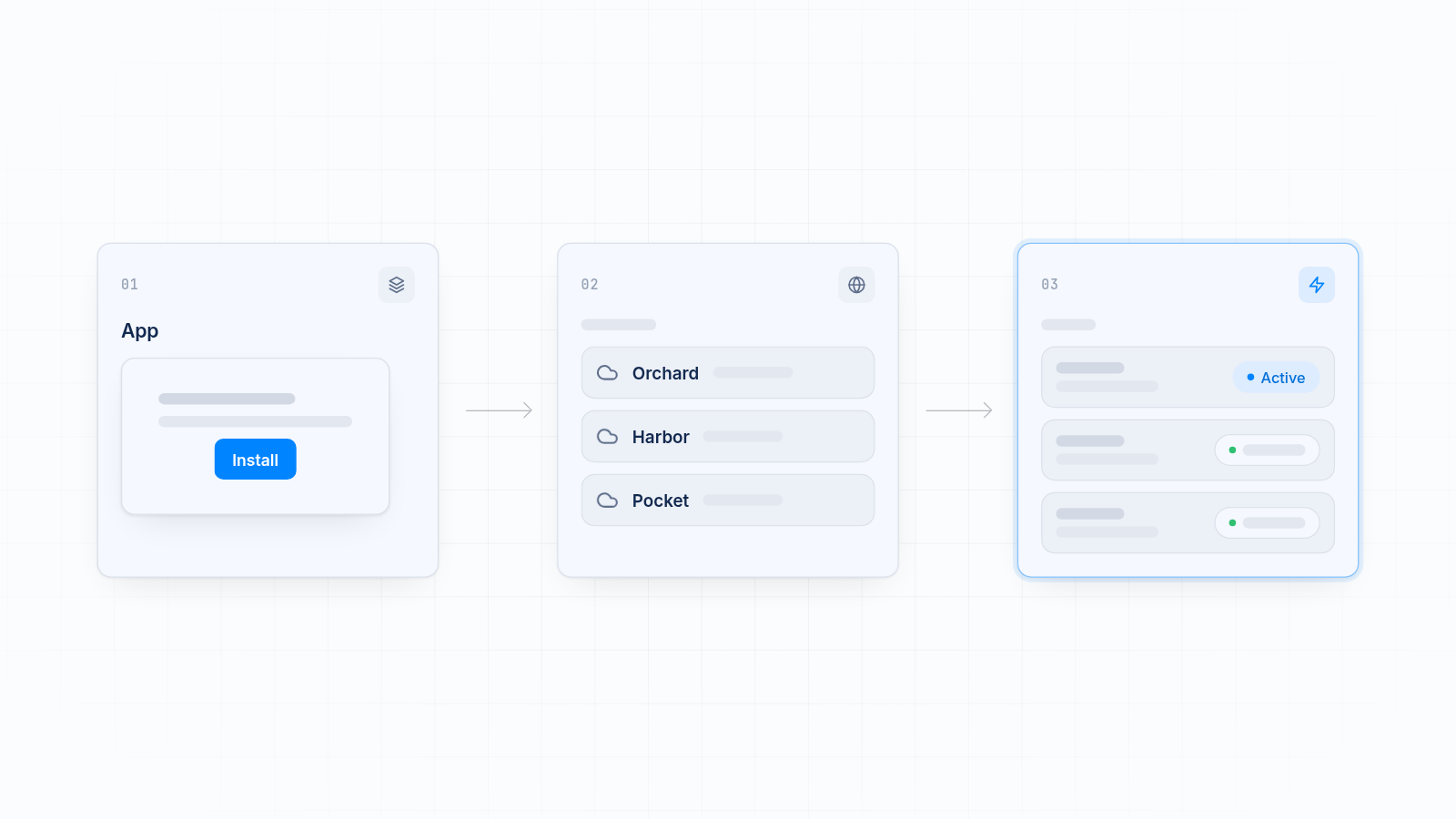
An app installs the pixel and maps events for you, so you skip the code. It suits store owners who want a clean setup without a developer.
Reddit offers its own Shopify integration through the Reddit Ads app, which links your Reddit account to your store. LinkedIn has no official Shopify channel app. Stores either use the custom pixel route or a third-party app.
Where MultiPixels fits
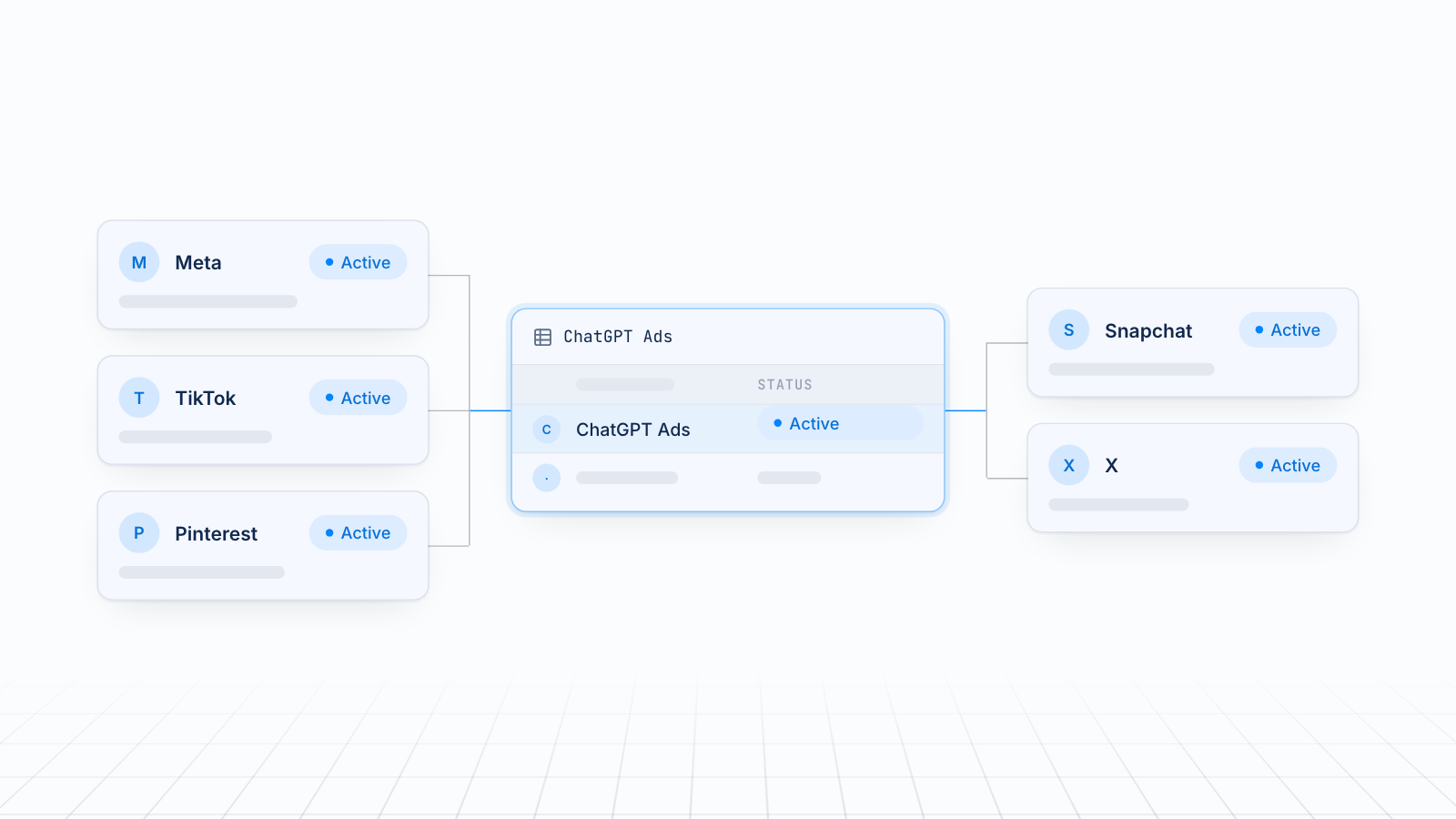
MultiPixels installs and manages pixels for Facebook, Instagram, TikTok, Snapchat, X and Pinterest. It runs them through Shopify's customer events, so nothing goes into your theme. It also adds a backup pixel and tools for custom and lookalike audiences.
MultiPixels does not list Reddit or LinkedIn among its supported platforms for this guide. If those are your only channels, use the custom pixel route above or Reddit's own app. If you also run Facebook, TikTok, Snapchat, X or Pinterest, MultiPixels handles those in one place. You can see the current list on the integrations page.
How the options compare
The table compares the main ways to add these two platforms. Entries for other approaches are general, so confirm details on each listing before you decide.
| Custom pixel | Reddit Ads app | LinkedIn-specific app | MultiPixels | |
|---|---|---|---|---|
| What it does | You paste each platform's code into Shopify | Links Reddit to your store and sets up its pixel | Installs the LinkedIn Insight Tag and maps events | Installs and manages six social ad pixels with a backup |
| Yes | Yes | No | Not supported | |
| Yes | No | Yes | Not supported | |
| Code needed | Some, for event mapping | No | No | No code or tech team required |
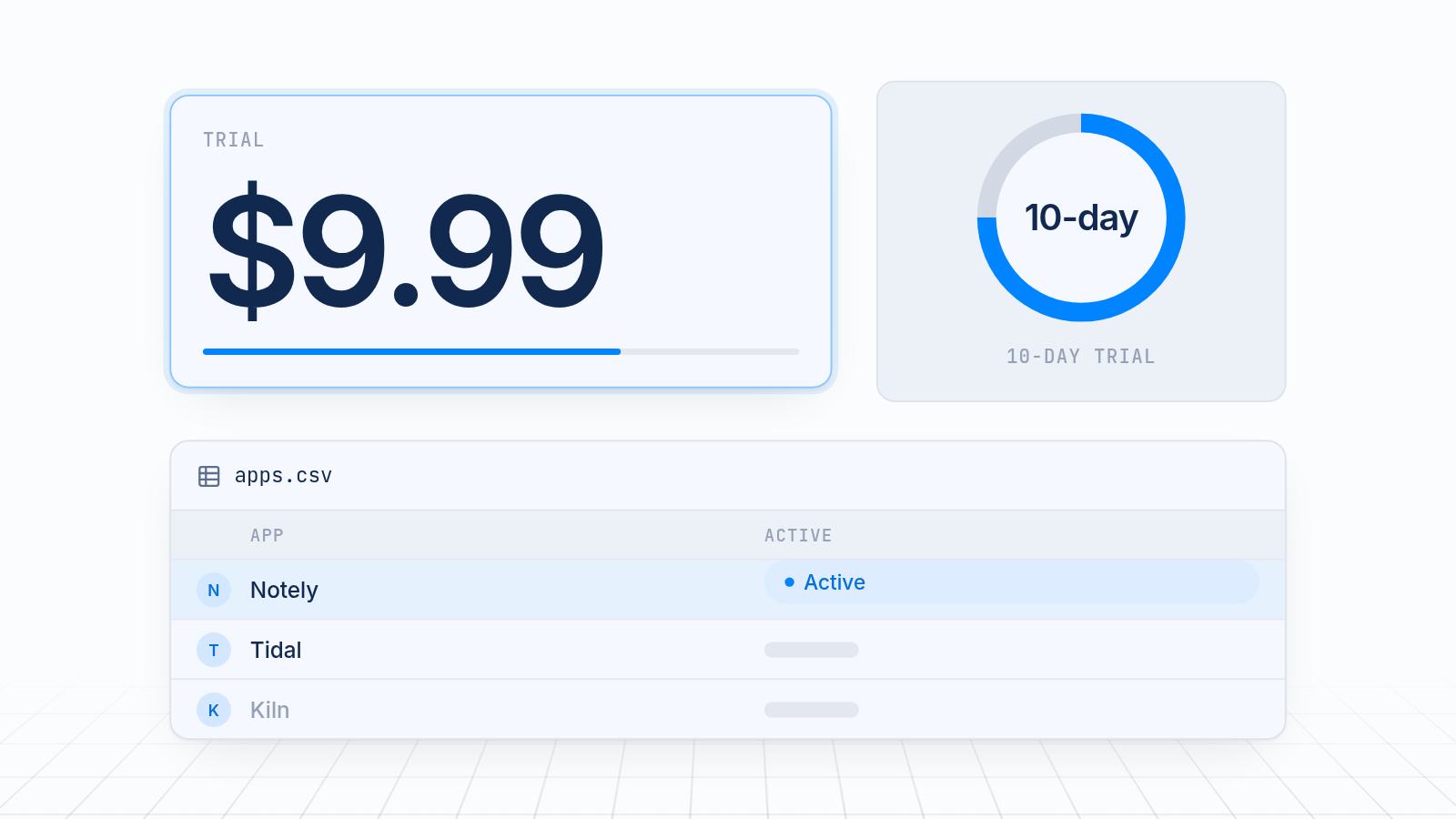
| Price | Free | Check the listing | Check each listing | $9.99, $19.99 or $39.99 a month after a 10-day free trial |
| Best for | Stores that want control and don't mind testing | Reddit-only advertisers | LinkedIn-only advertisers | Stores that also run Facebook, Instagram, TikTok, Snapchat, X or Pinterest |
What to look for in a Shopify app for LinkedIn conversion tracking
The best Shopify app for LinkedIn conversion tracking is the one that passes five checks. Judge any app on these before you install.
- It installs the Insight Tag without theme edits. Theme code can miss checkout and break on updates.
- It maps purchase and lead events. Page views alone won't show which ads drive sales.
- It is clear about what it covers. The listing should name LinkedIn directly.
- It has reviews and active support. A low rating or few reviews means you should test with extra care.
- The price is small next to your ad spend. Compare the monthly fee with the budget it protects.
Apps change often, so read the current Shopify App Store listing, including recent reviews and plan details, before you decide. Run a free trial if one is offered, and place a test order.
Test that each pixel fires
A test order shows whether Reddit and LinkedIn actually receive your events. Do this before you spend more on ads.
- Check the tool inside each platform. Reddit's Events Manager and LinkedIn's Insight Tag page show whether data is arriving.
- Use the browser helpers. Reddit offers a Pixel Helper and LinkedIn offers an Insight Tag checker. Install them and visit your store.
- Place a test order. Browse a product, add it to the cart and complete checkout.
- Confirm each event fires once. Page view, add to cart, checkout and purchase should each show up one time. Two of the same event means a double install.
- Wait for LinkedIn to verify. The tag can take a few minutes, and sometimes up to 24 hours, to change from unverified to active.
If an event is missing, check that the pixel is connected under Customer events and that old code isn't still in your theme.
Get your tracking running
Find two IDs, pick a route, and test with a real order. If you also advertise on Facebook, Instagram, TikTok, Snapchat, X or Pinterest, install the MultiPixels app from Shopify and start the 10-day free trial. Plans are $9.99, $19.99 or $39.99 a month after that, with no code or tech team required.