To build lookalike audiences from Shopify purchase data using pixels, first make sure your pixel sends one clean Purchase event, with the right order value, for every order. Then use those events as a source audience in Meta, TikTok or Snapchat, and ask the platform to find people who resemble your buyers. The platform can only copy what it sees, so bad purchase data gives you bad audiences and wasted ad spend.
Key takeaways
A Shopify lookalike audience is only as good as the purchase events behind it.
Each purchase should fire once and carry the correct order value.
Pick a source audience on purpose: all purchasers, repeat buyers or high-value customers.
Start with a small lookalike size, then widen it once results hold up.
MultiPixels installs each platform's pixel with no code or tech team required.
What a lookalike audience is and why purchase data matters
A lookalike audience is a group of new people an ad platform picks because they resemble a source audience you give it. If your source is people who bought from you, the platform looks for shoppers with similar traits and behavior.
The platform learns from the events your pixel sends. If a purchase is missing, it learns from less data. If a purchase is counted twice, it thinks that buyer is more common than they are. If an order value is wrong, it can't tell your best customers from your smallest orders.
Each of these problems costs you money, because your ads get shown to the wrong people. Get the data clean first. Set up the audience second.
How much purchase data the platforms need
The platforms need enough purchase events to find a pattern, and more clean events give better results. Each platform sets its own minimum source size and can change it, so check the audience tool in your ad account for the current number before you build.
A few rules hold across all of them:
- A larger source gives the platform more to learn from.
- A source of real, recent buyers beats a bigger source full of noise.
- If your store is new and has few orders, build the audience later and run conversion ads in the meantime.
Don't pad a small source with test orders or duplicate events to hit a minimum. That makes the audience worse, not bigger.
Get your pixel purchase event right first
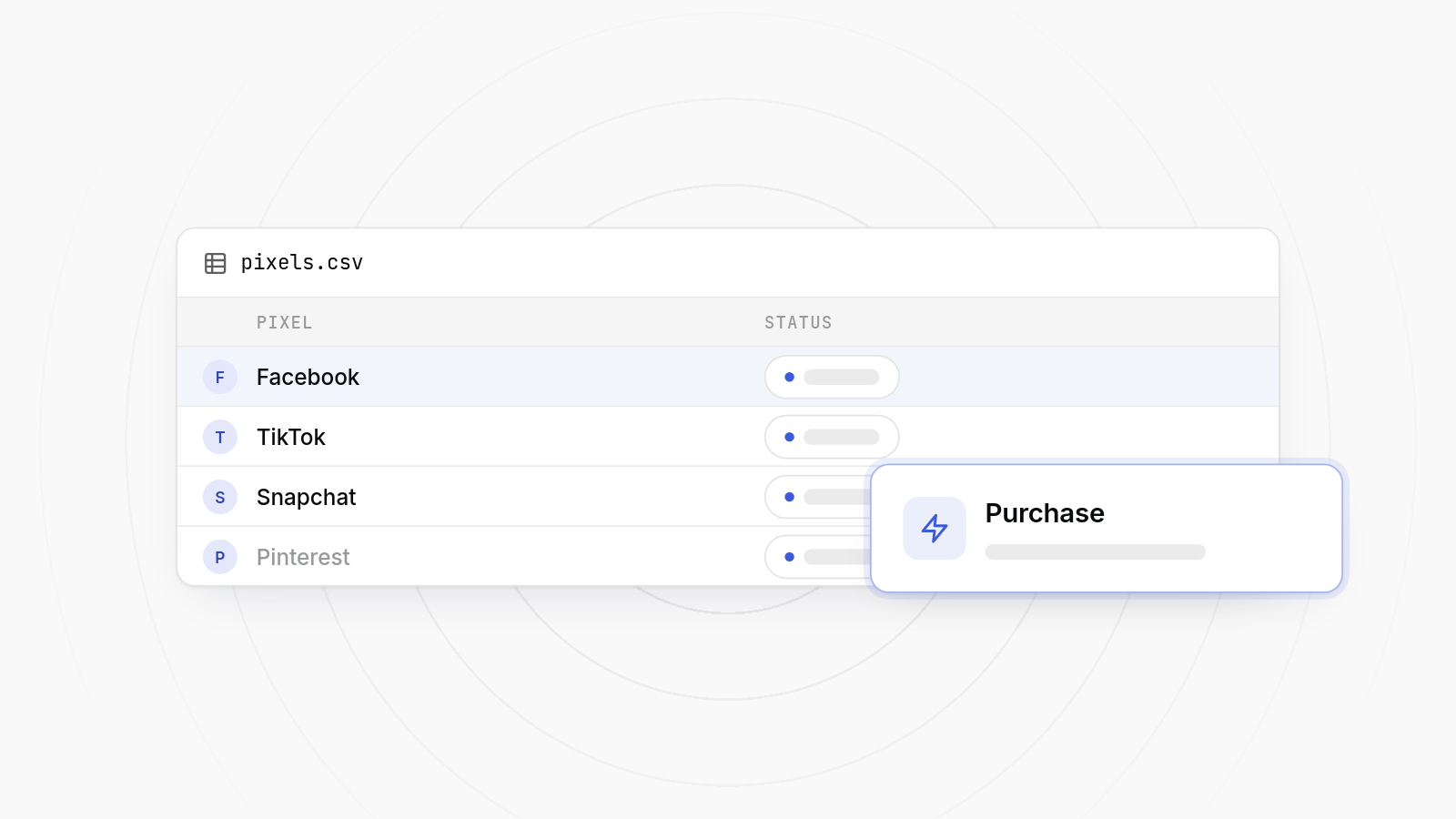
A good pixel purchase event on Shopify fires once per order, includes the order value and currency, and reaches every platform you advertise on. Check these three things before you build anything.
One event per order
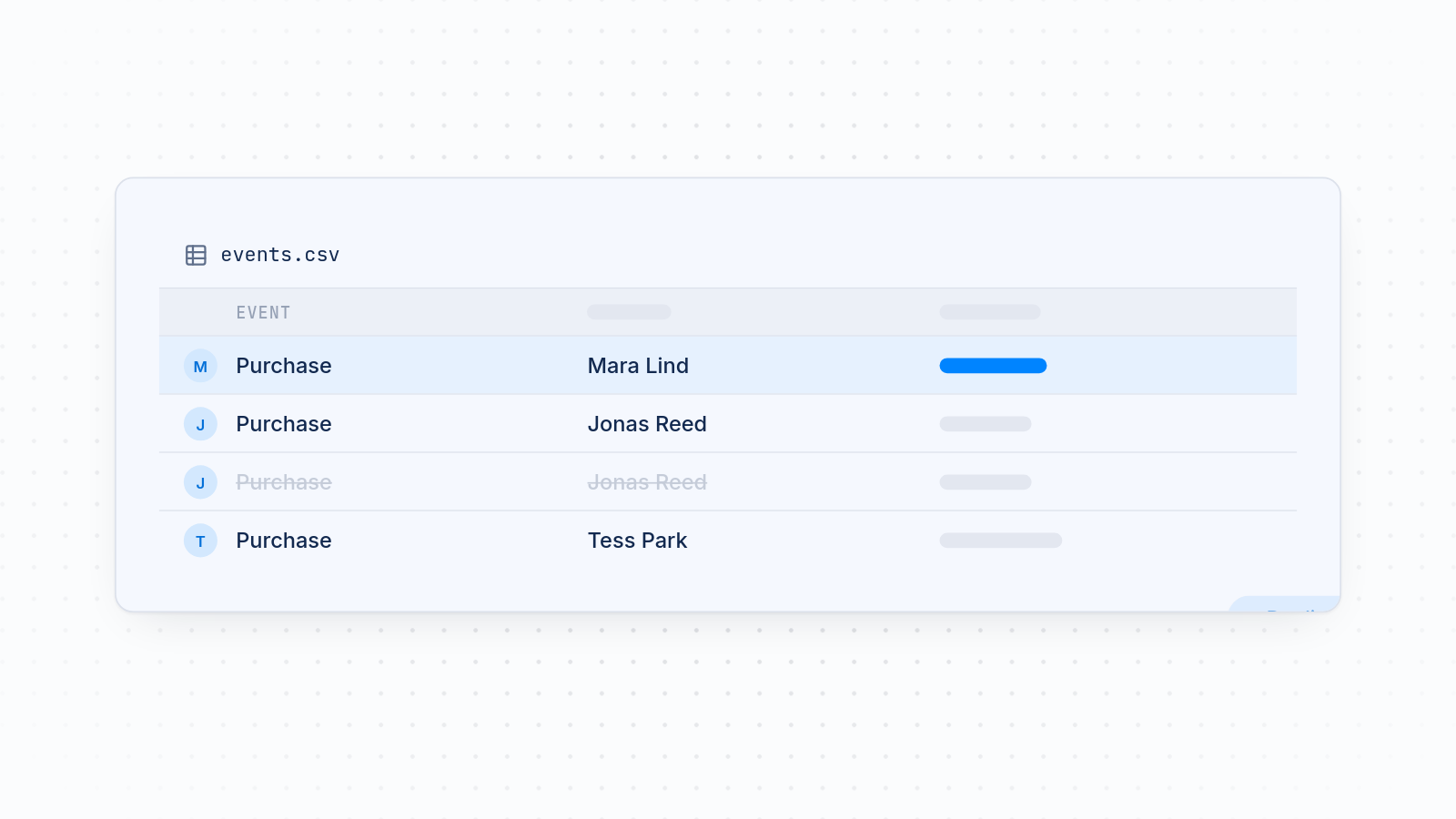
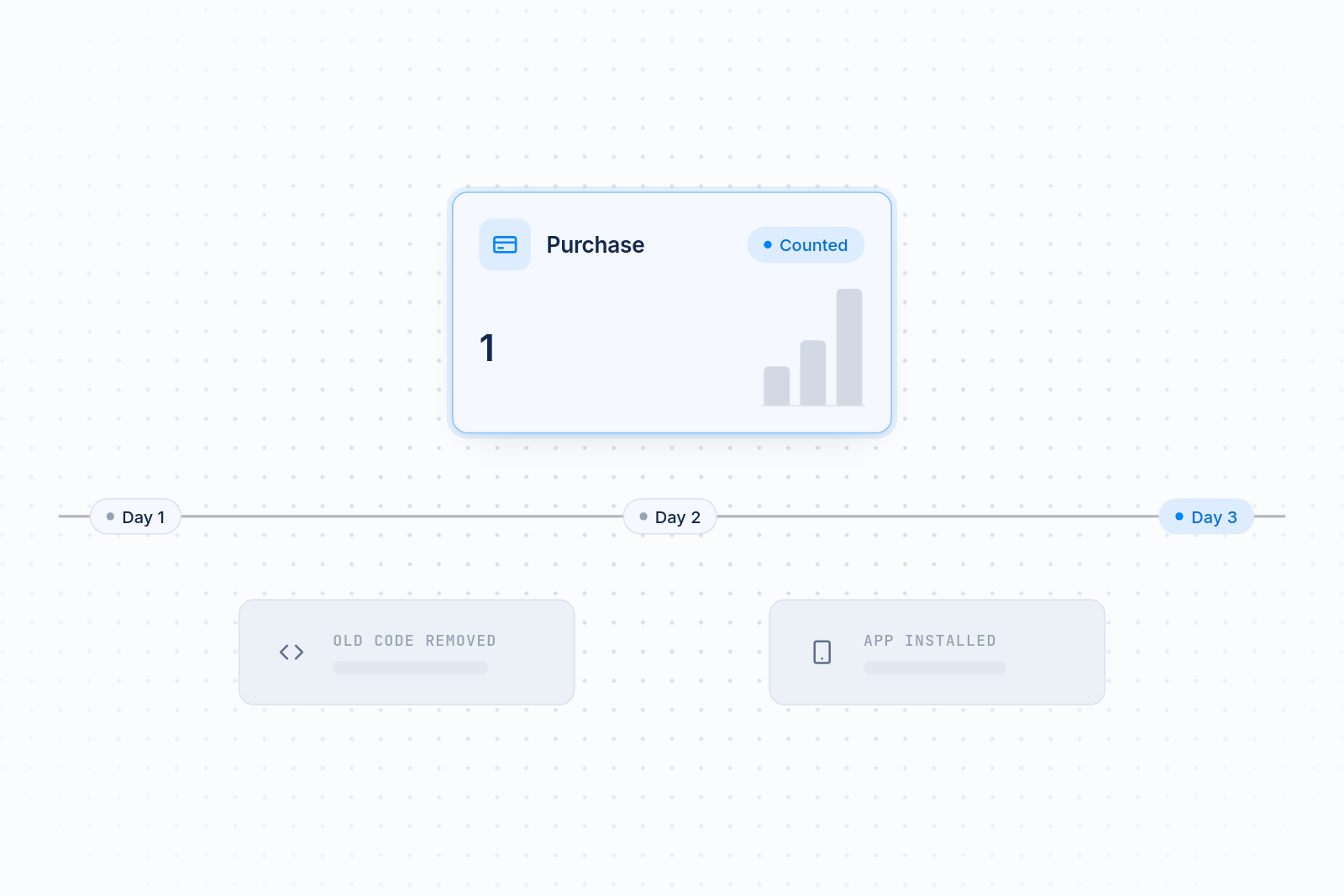
Duplicates usually come from the same pixel installed two ways, such as old code in your theme plus an app. Remove the extra install. Then place a test order and confirm each platform records one purchase. If the numbers still look off, our guide to fixing pixel and Shopify analytics data mismatch walks through the usual causes.
The right order value
Value-based audiences depend on it. If the value is missing or wrong, the platform treats every buyer the same. Check in each platform's events tool that the test order shows the amount you expected.
Every platform covered
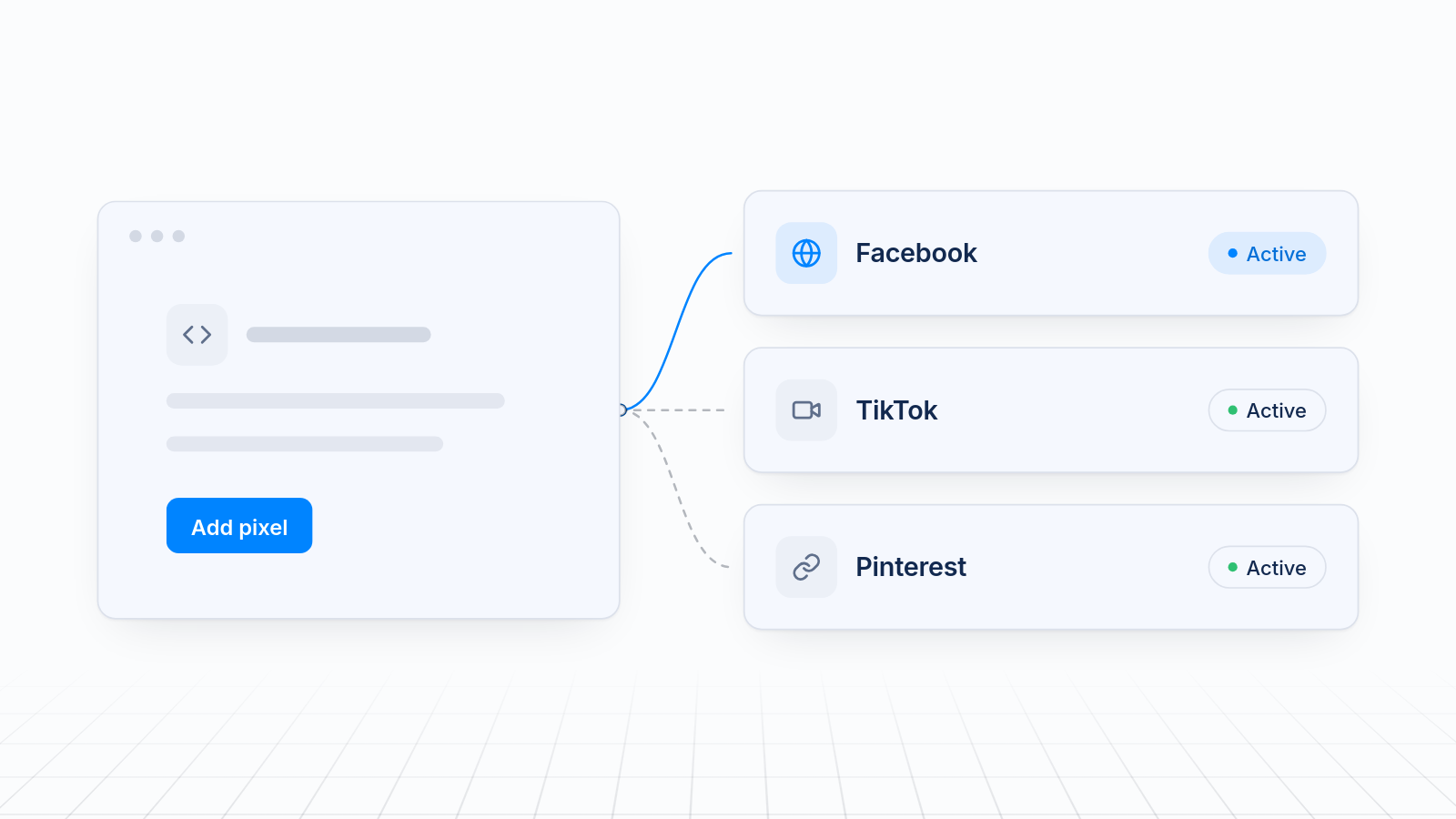
If you run Meta, TikTok and Snapchat, each needs its own pixel sending purchases. Installing them by hand means pasting code into three places. MultiPixels does it from one dashboard, with no code or tech team required. You can read more about the Meta pixel setup it handles. For a wider look, see adding multiple ad pixels to a Shopify store without editing theme code.
Choose your source audience
Choose the source that matches the customer you want more of: all purchasers, repeat buyers or high-value customers. The source decides who the platform tries to find more of.
| Source audience | Best for | Watch out for |
|---|---|---|
| All purchasers | Getting started and building volume | Includes one-time, low-value buyers |
| Repeat buyers | Finding loyal customers | Often a small group |
| High-value customers | Raising average order value | Needs accurate order values and enough orders |
All purchasers
This is the simplest choice and the best first test. It gives the platform the largest set of real buyers.
Repeat buyers
Repeat buyers show what your loyal customers have in common. If your products get reordered, this source can bring in people who come back.
High-value customers
This group is your biggest spenders. It works well when order values vary a lot. It only works if the values in your pixel events are accurate, which is why the data check comes first.
Test two sources side by side rather than guessing. Give each the same budget and compare cost per sale.
Set up value-based audiences
A value-based audience tells the platform which buyers are worth more, so it finds people who look like your best spenders and not just any buyer. Menu names change, so use the steps below as a guide and follow the labels in your account.
On Meta
- Open Audiences in Ads Manager.
- Create a custom audience from your website, using the Purchase event from your pixel.
- Set a retention window that matches how often people buy from you.
- Create a lookalike audience and choose that custom audience as the source.
- Where the option exists, pick the value-based source so order value counts.
On TikTok
- Open the audience tools in TikTok Ads Manager.
- Create a custom audience from your pixel's purchase events.
- Create a lookalike audience from it and choose your target location.
- Use a value-based option if your account shows one.
On Snapchat
- Open Audiences in Snapchat Ads Manager.
- Build a source from your pixel's purchase events.
- Create a lookalike audience from that source.
- Use a value-based version if it is available for your account.
On all three, wait for the source audience to finish populating before you build the lookalike. It can take a few hours.
Pick a lookalike size
Start with a small lookalike, around 1%, then widen it as results hold up. A smaller lookalike matches your source more closely. A larger one reaches more people with a looser match.
- Small (around 1%): the closest match. A good first test.
- Medium: more reach, a little less similarity. Try it when the small one stops scaling.
- Large: the most reach and the loosest match. Use it only after the others perform.
Sizes are set differently on each platform, so look at the options in your ad account. Create more than one size and run them in separate ad sets, so you can see which one pays off.
Common mistakes that waste ad spend
Most weak lookalike audiences come from four avoidable problems.
Duplicate or missing purchase events
Double counts inflate your numbers, and missing events leave the platform short of data. Either way, you spend on the wrong people. Test every platform after any change. If a platform shows no purchases at all, see why your Facebook pixel isn't working and how to fix it.
Mixing test orders into the source
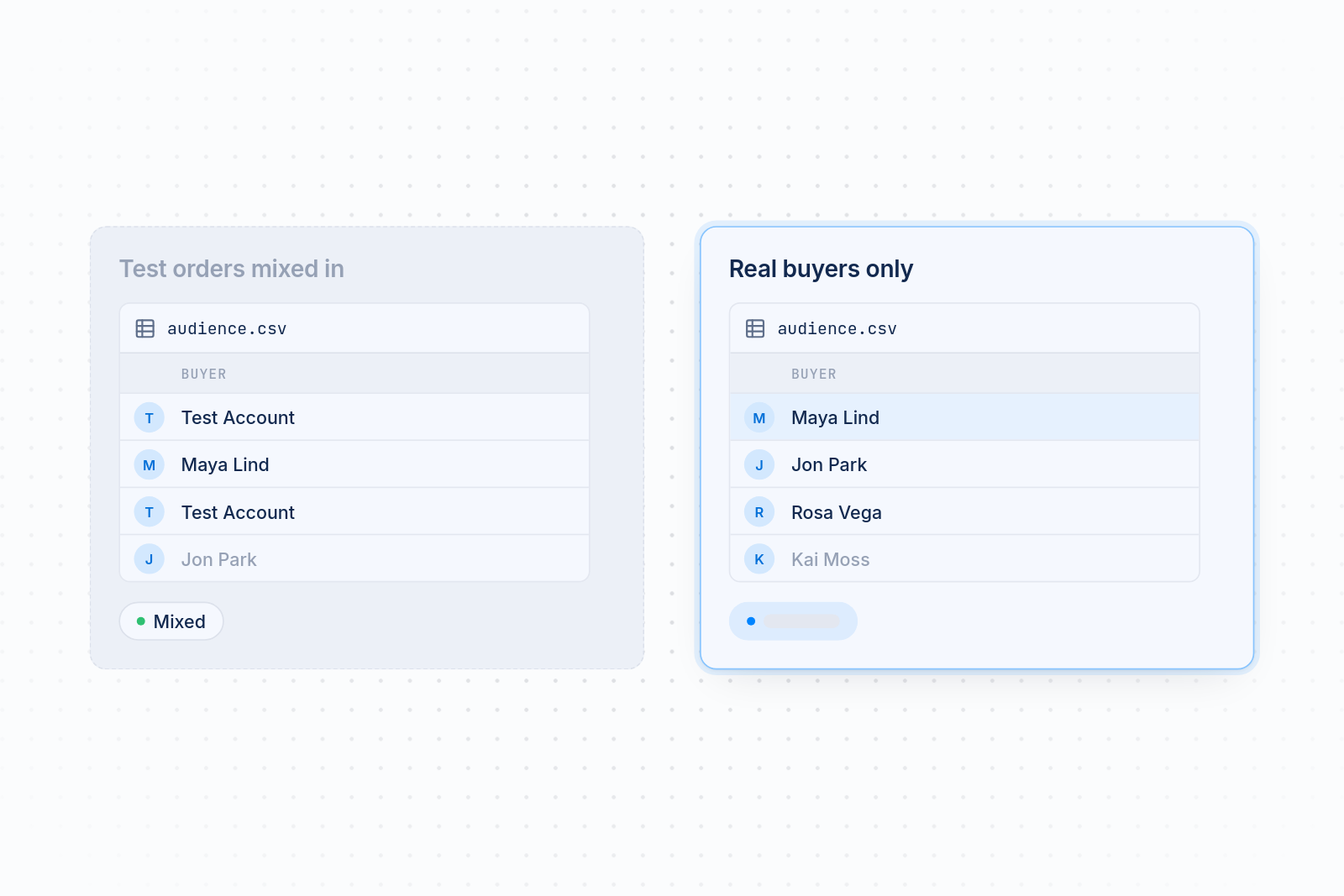
Test orders aren't buyers. If they fire a real Purchase event, they pollute your source. Use a clearly separate test method, or remove test orders from the data before you build.
Using a source that is too small
A tiny source gives the platform little to learn from, and the audience comes out vague. Wait until you have enough orders, or use a broader source such as all purchasers.
Never refreshing the source
Your customers change over time. An audience built a year ago describes last year's buyers. Rebuild or refresh the source regularly so the platform keeps learning from recent orders.
How MultiPixels fits in
MultiPixels is a Shopify app that installs and manages pixels from Facebook, Instagram, TikTok, Snapchat, X and Pinterest without writing code. You add each platform's pixel ID in one dashboard, and the app handles the rest. No code or tech team required.
For lookalike audiences, it does three things:
- Sends purchase events to each platform you connect, so you have data to build from.
- Keeps every pixel in one place, which makes duplicate installs easier to spot.
- Lets you run a backup pixel, so your data keeps collecting if an ad account has trouble.
It doesn't build the audiences for you. You still create the custom and lookalike audiences inside each ad platform. MultiPixels gives them clean purchase data to work from.
Plans cost $9.99, $19.99 or $39.99 a month after a 10-day free trial.
Start building better audiences
Better lookalike audiences start with clean purchase events on every platform you advertise on. Install the MultiPixels app from Shopify and start your 10-day free trial to get your pixels running with no code.