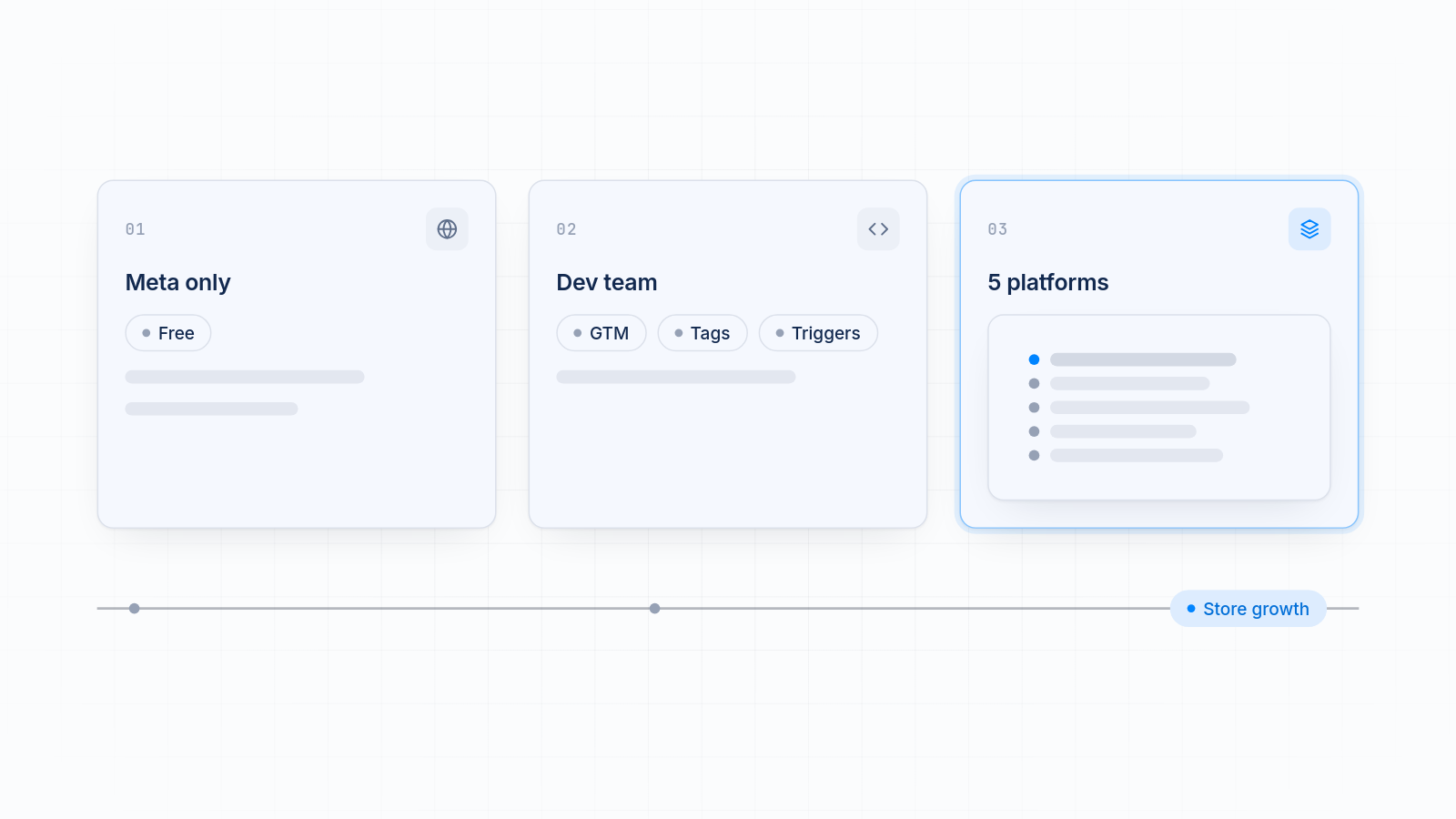
The right pick in a pixel app vs Google Tag Manager vs Shopify's built-in Facebook channel decision depends on where you advertise and who looks after your tracking. If you only run Meta ads, the free channel is enough. If you have a developer who wants full control, Google Tag Manager fits. If you advertise on several platforms, want a backup pixel, or want no code and no tech team, a pixel app is worth paying for.
This guide covers how each option works, what it costs you in setup time and wasted ad spend, and which store scenarios fit which choice.
Key takeaways
The free Facebook and Instagram channel is enough for a store that only runs Meta ads and wants a simple setup.
Google Tag Manager gives full control, but it needs a developer or someone who can maintain it.
A pixel app like MultiPixels earns its cost when you run TikTok, Snapchat, X or Pinterest ads, need a backup pixel, or want no code.
Bad tracking wastes ad spend because platforms optimize on the wrong data.
Whichever you pick, install each pixel in one place only to avoid double counting.
Why the Choice Matters for Your Ad Spend
Your tracking setup decides what each ad platform learns about your buyers. If purchases are missed, counted twice or sent with the wrong value, the platform optimizes toward the wrong people. You pay for clicks that were never going to buy, and you can't tell which ads really drive sales.
Most of the pain shows up as numbers that don't match. Your ad dashboard says 150 purchases and Shopify says 110 orders. Some gap is normal. Ad blockers, consent choices and attribution windows all cause some. A large or sudden gap usually means a broken or duplicate install, and our guide on how to fix pixel and Shopify analytics data mismatch walks through the checks.
The three options differ in how likely they are to cause that kind of problem, and in how much work they leave you.
The Three Options at a Glance
Each option fits a different need: simplicity, control or reach across platforms. Here is how they compare.
| Facebook and Instagram channel | Google Tag Manager | MultiPixels (pixel app) | |
|---|---|---|---|
| Setup effort | Low. Connect and choose a data sharing level. | High. Needs a developer or advanced know-how. | Low. No code or tech team required. |
| Multiple ad platforms | Meta only | Any platform, but you build each one | Facebook, Instagram, TikTok, Snapchat, X and Pinterest |
| Event accuracy | Good for standard Meta events | As accurate as your setup | Managed for you across platforms |
| Server-side options | Meta's Conversions API at Maximum data sharing | Possible, but you build and host it | Not the focus of MultiPixels. Check the app listing for current details. |
| Backup pixel | No. One pixel per store. | You can build one | Yes |
| Maintenance | Shopify and Meta handle it | You handle it | The app handles it |
| Monthly cost | Free | GTM is free, but developer time is not | $9.99, $19.99 or $39.99 after a 10-day free trial |
A few notes on the table. The channel connects one pixel per store. GTM costs nothing to install, but running it correctly takes work.
Shopify's Free Facebook and Instagram Channel
The free channel is the simplest way to run the Meta pixel on Shopify. It needs no code and tracks the key shop events. It also turns on Meta's Conversions API when you choose Maximum data sharing, so server events can still arrive when a browser blocks the pixel.
What it does well
- It costs nothing.
- It tracks page views, product views, add to cart, checkout and purchases.
- It covers checkout, which theme code cannot.
- Shopify and Meta keep it up to date.
Where it stops
It handles Meta only. It connects one pixel per store, so it can't run a backup pixel or separate pixels for separate brands. It does nothing for TikTok, Snapchat, X or Pinterest. You also can't add events it doesn't send, like button clicks, without extra work.
Who it suits
A store that runs Meta ads only and wants set-and-forget tracking. If that's you, don't pay for anything else. Extra tools add cost and the risk of counting every purchase twice.
Google Tag Manager
Google Tag Manager is a free container where you add and control tags for any platform. It gives you the most control of the three. It also asks the most from you.
What it does well
You decide exactly when and how every tag fires. You can add custom events, send data to many tools and manage everything in one place. For teams with a developer and unusual tracking needs, that flexibility is the point.
What it costs you
On Shopify, GTM runs inside a custom pixel in Customer events, in a sandbox with some limits. You build the events, test them and fix them when something breaks. When a platform changes its rules, you or your developer update the tags. If a tag fires twice or not at all, you lose data, and you may not notice for weeks. Server-side tracking with GTM is possible, but you set up and pay for the hosting yourself.
GTM is free to install. The time to run it is not.
Who it suits
Teams with a developer or a technical marketer who wants full control and will keep maintaining it. If nobody on your team wants to own that, GTM becomes a source of silent tracking errors.
A Pixel App Like MultiPixels
A pixel app installs and manages pixels for you, so you get tracking across several platforms without code. MultiPixels lets store owners install pixels from Facebook, Instagram, TikTok, Snapchat, X and Pinterest from one place. You use it to track conversions, build custom and lookalike audiences, keep a backup pixel running, and see which ads drive sales.
What it does well
- No code or tech team required.
- One app for six platforms instead of six separate installs.
- A backup pixel, so a restricted ad account doesn't wipe out your data trail.
- The app handles upkeep, not you.
What it does not do
It isn't free, and a Meta-only store doesn't need it. It doesn't give you the same custom control that GTM does. It installs and manages pixels. It is not a full attribution platform that models every channel.
What it costs
Plans cost $9.99, $19.99 or $39.99 a month after a 10-day free trial.
How the Three Compare on Each Point
Each factor below affects either your time or your ad results.
Setup effort
The channel takes minutes. A pixel app also takes minutes, with no code. GTM takes the longest, because you build and test each event.
Support for multiple ad platforms
The channel covers Meta only. GTM can cover anything, but you build each platform yourself. A pixel app covers the six platforms listed above in one place. If you advertise beyond Meta, this is the biggest reason to move off the channel alone.
Event accuracy
All three can be accurate. The channel is reliable for standard Meta events. GTM is only as accurate as the person who built it. A pixel app keeps events consistent across platforms. Whichever you use, install each pixel in one place. A pixel installed through both an app and theme code counts every event twice and inflates your numbers.
Server-side options
The channel gives you Meta's Conversions API at Maximum data sharing. GTM can do server-side tracking, but you build and host it. If server-side tracking is a main reason you're shopping, check what a pixel app offers before you buy.
Ongoing maintenance
The channel is maintained for you. So is a pixel app. With GTM, you maintain it.
Monthly cost
The channel is free. GTM is free to install, with developer time on top. MultiPixels runs $9.99 to $39.99 a month after the trial.
Which Option Fits Your Store: Clear Scenarios
Use the free channel if you only run Meta ads, GTM if you have a developer, and a pixel app if you run several platforms or want no code. Pick the scenario closest to your store.
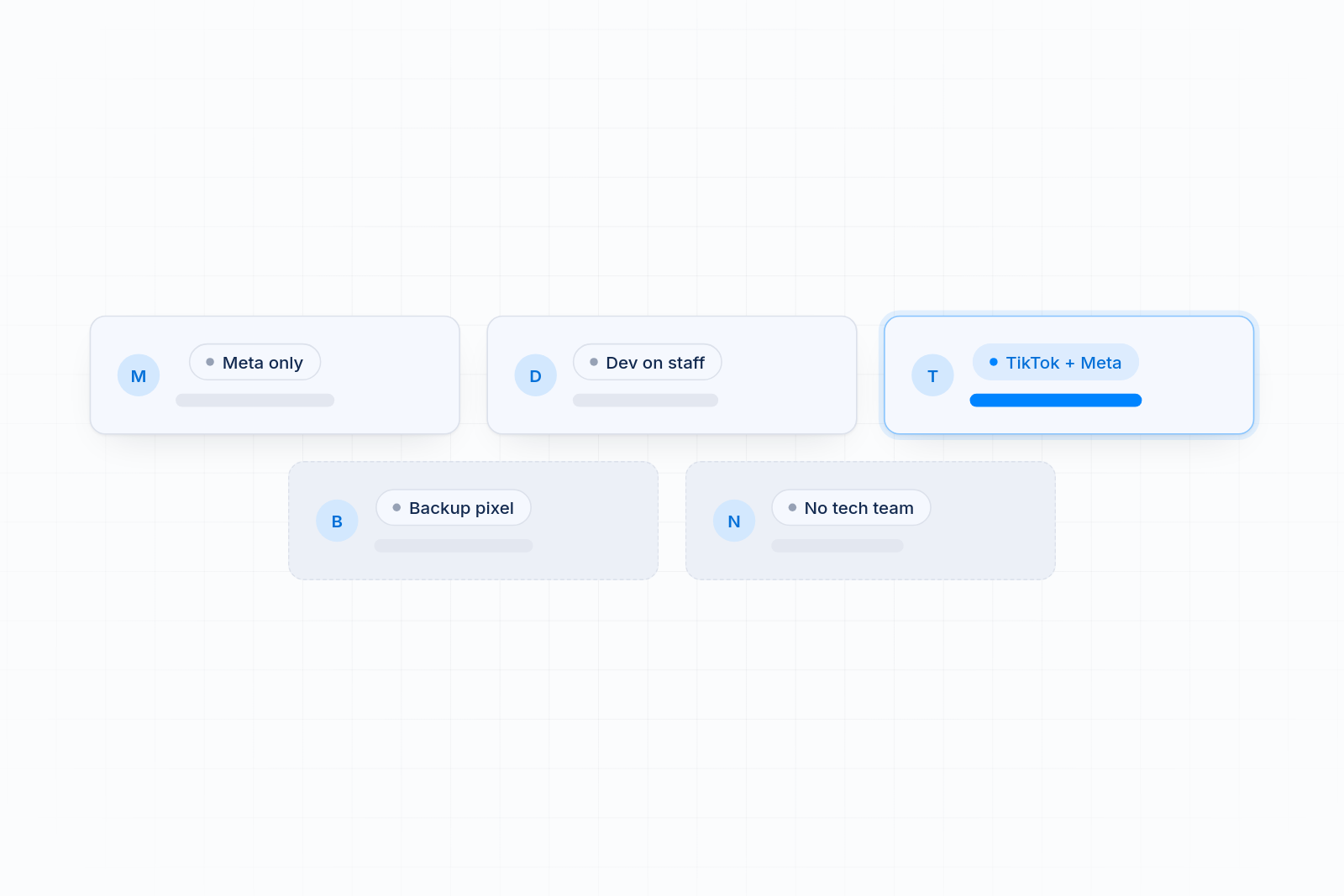
- You only run Meta ads and want it simple. Use the free Facebook and Instagram channel. Set data sharing to Maximum and test your events.
- You have a developer who wants full control. Use Google Tag Manager as a custom pixel, and don't run it for a platform whose app is already installed.
- You advertise on Meta and TikTok. A pixel app saves you from managing two separate setups.
- You run Snapchat, X or Pinterest ads. The free channel doesn't cover them. A pixel app does.
- You want a backup pixel. The channel connects one pixel per store. A pixel app keeps a backup running.
- You have no developer and no time. A pixel app gives you no code and no tech team.
- Your numbers don't match Shopify. First check for duplicate installs. Then move each pixel to one clean method.
How to Switch Without Double Counting
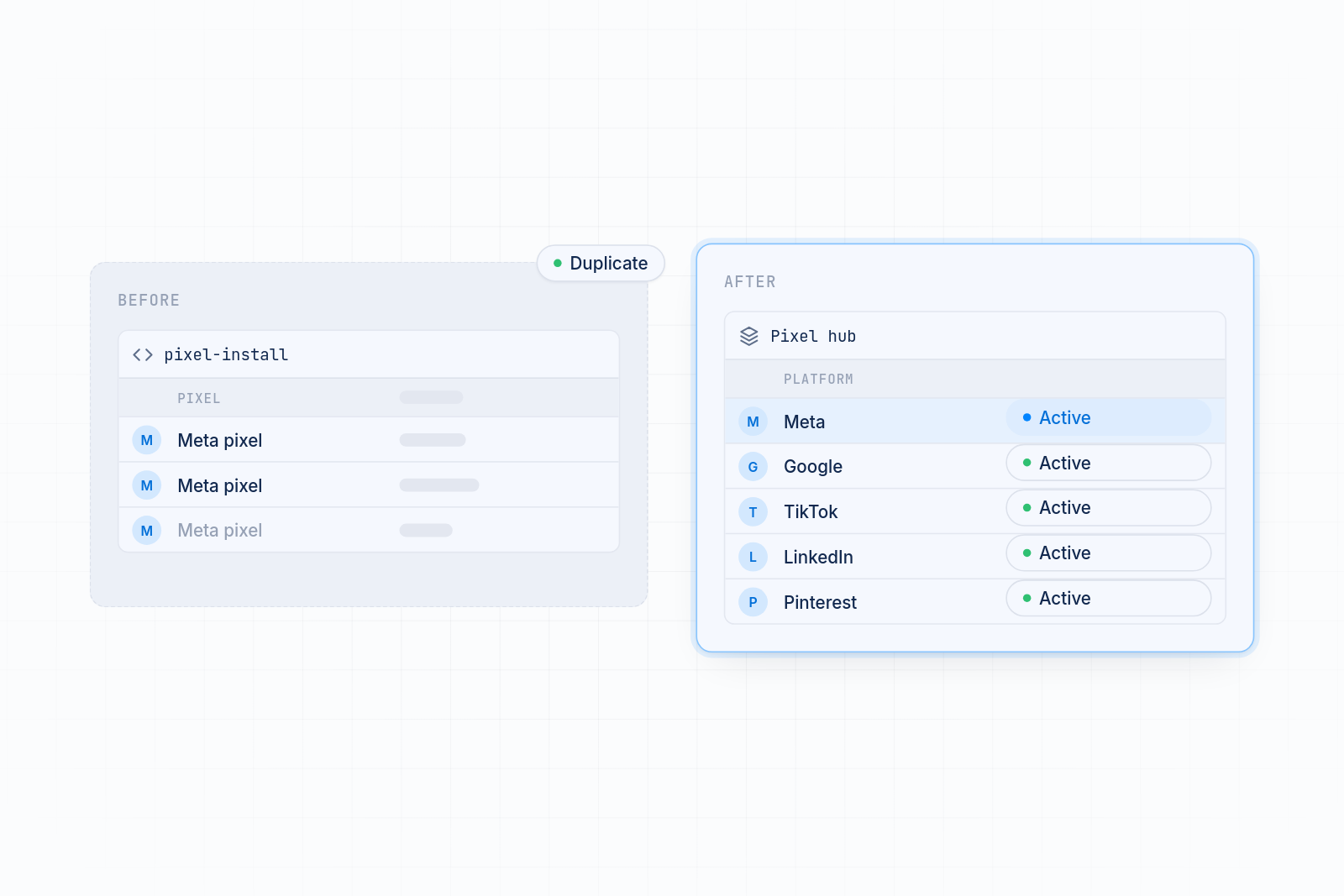
Switching is safe if you do it in order. The main risk is two installs running at once.
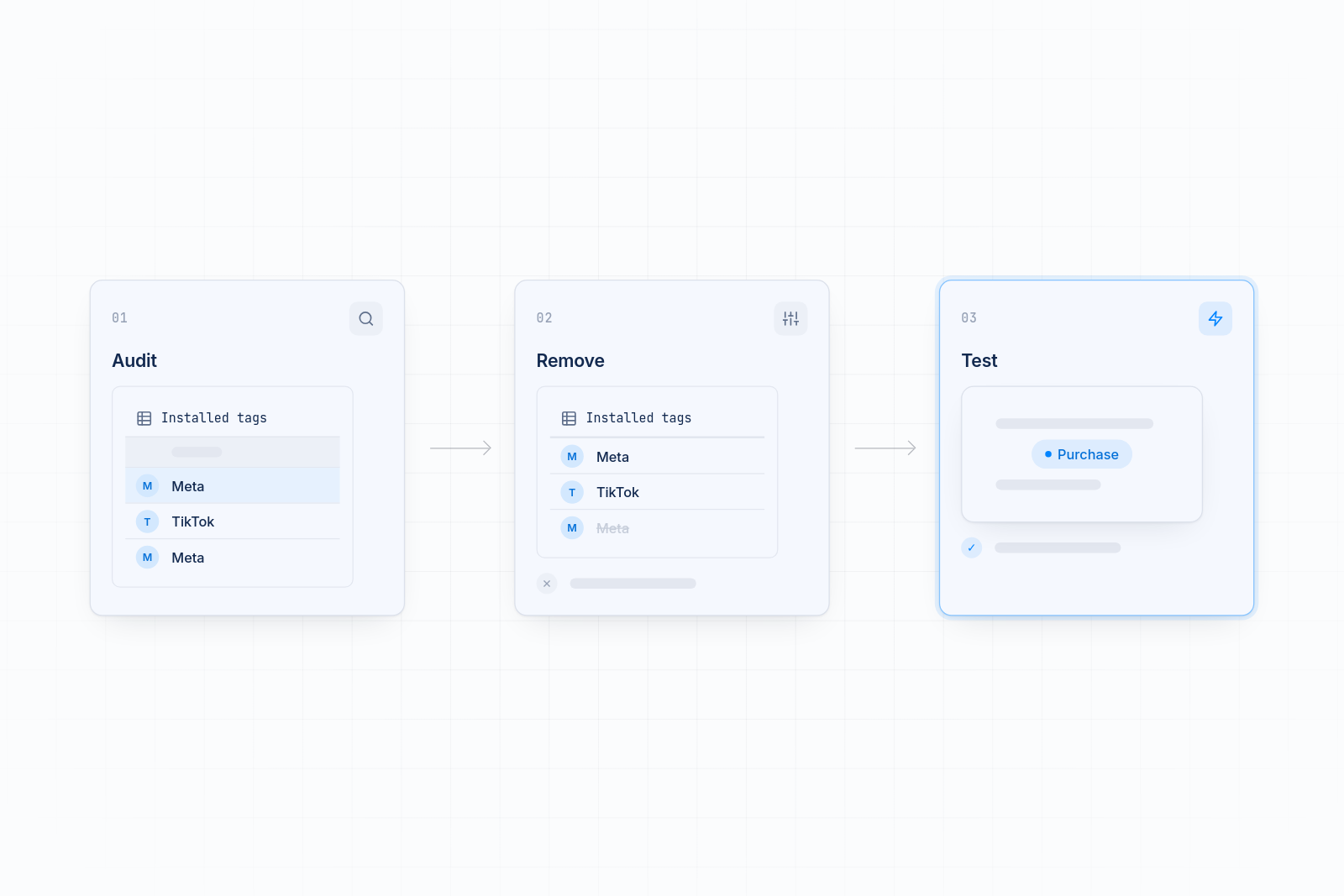
- Audit what is installed. In Shopify, open Settings, then Customer events, and list every app pixel and custom pixel. Check your theme for old pixel code too.
- Remove duplicates. Keep one install per platform and delete the rest.
- Test. Place a test order and check that each platform shows one purchase with the right value.
Pick the Setup That Matches Your Ads
Stay on the free channel if Meta is your only platform. Choose GTM if you have a developer who wants full control. Choose a pixel app when you run several platforms or want a backup pixel without code. Install the MultiPixels app from Shopify and start the 10-day free trial to see how it fits your store.