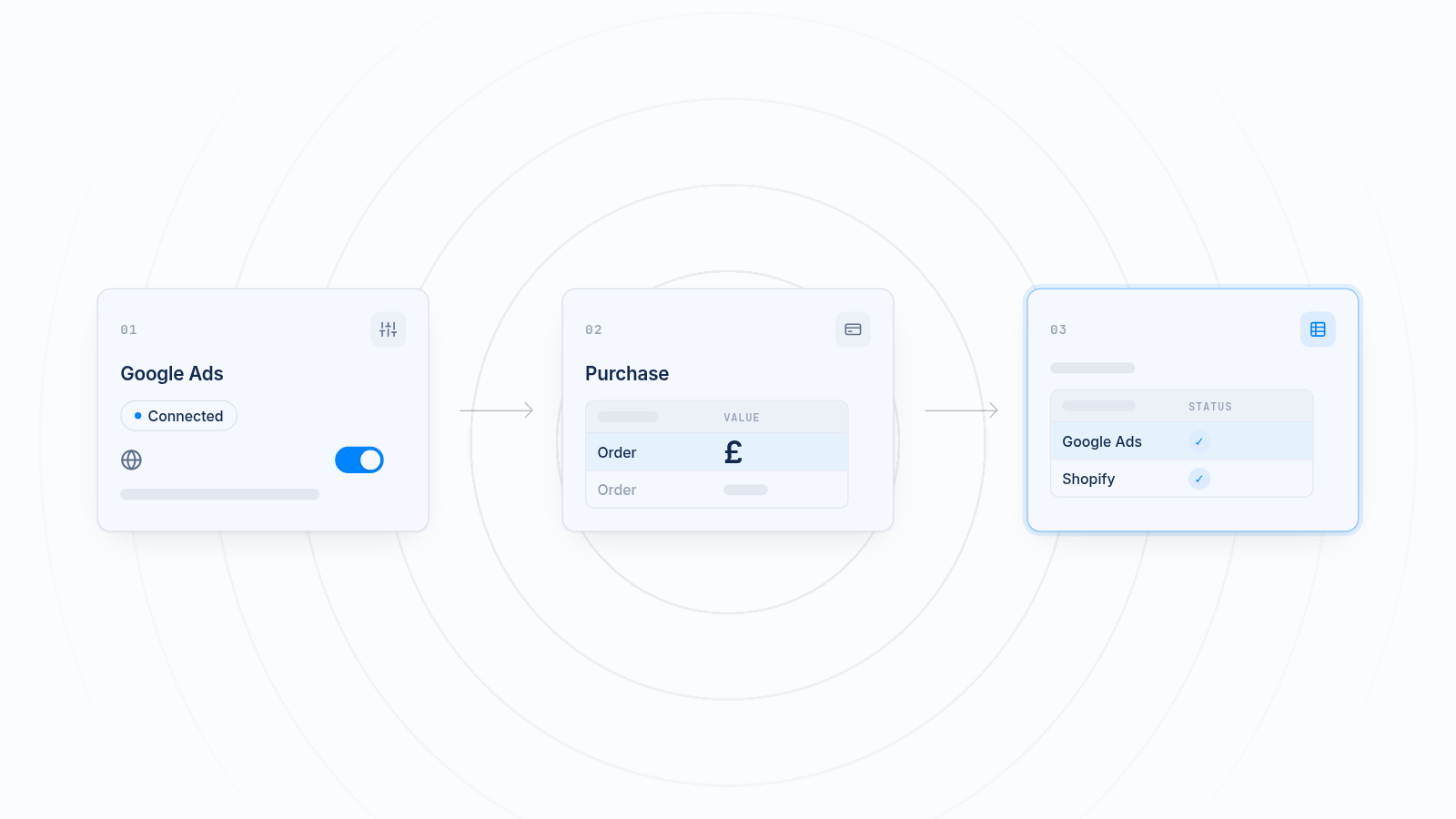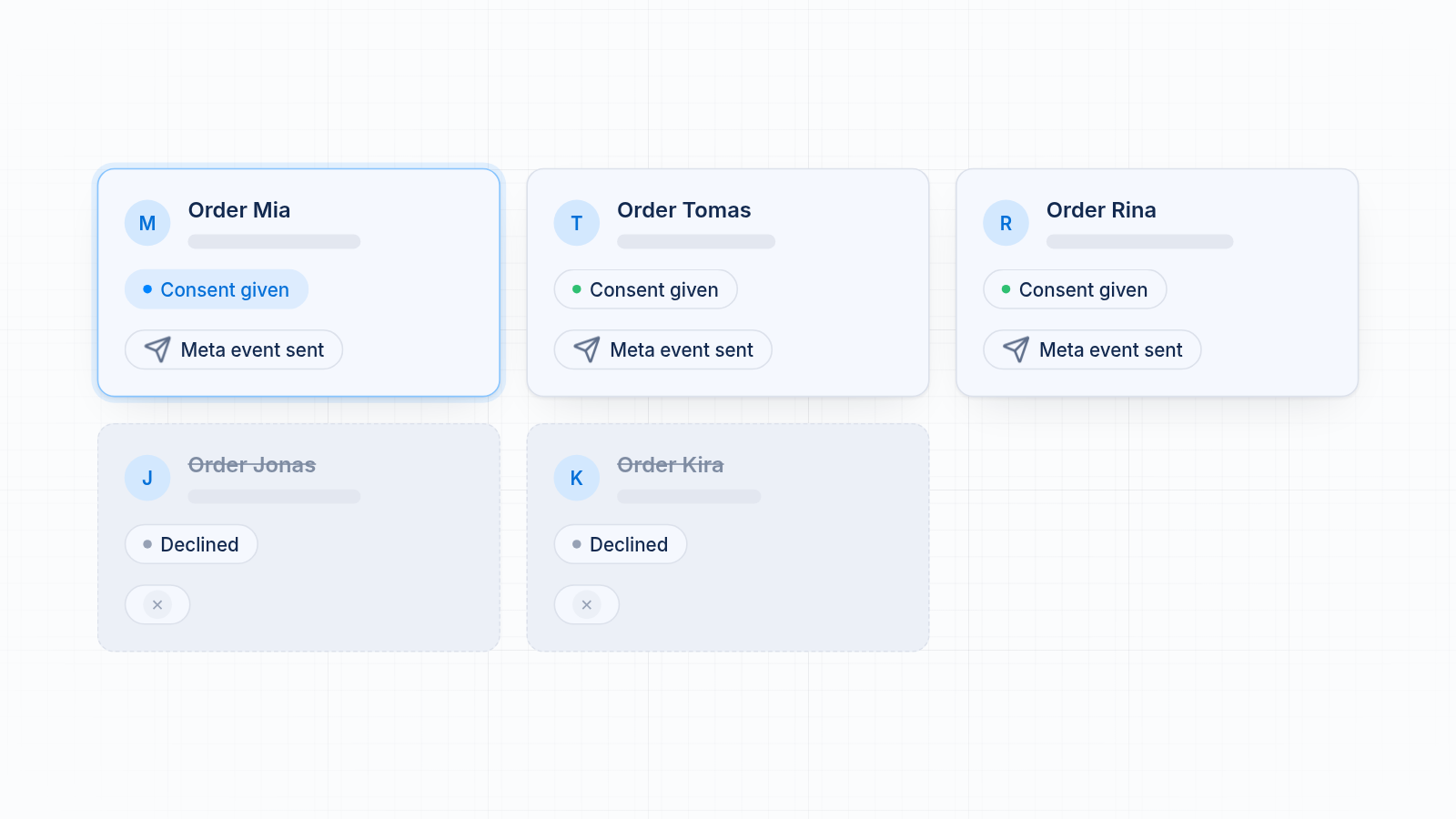
A Shopify cookie consent banner can block Facebook and TikTok pixels. In UK and EU regions, Shopify's customer privacy settings hold back app pixels and custom pixels until a visitor accepts tracking. Visitors who decline or ignore the banner never send events. So if conversions fall after you switch on a banner, your pixels are usually working as designed. This post covers what happens, why Shopify Analytics still shows more orders, which banner settings protect customers without wasting ad spend, and how MultiPixels helps you manage every pixel in one place, with no code or tech team required.
Key takeaways
A cookie banner decides when your pixels run. Visitors who decline or ignore it send no events.
Missing purchases in Meta and TikTok usually reflect your consent rate, not a broken pixel.
Shopify Analytics counts orders from your store directly, so it shows more orders than your ad platforms.
Clear wording, a visible accept button and the right region rules protect customers and your ad data.
Server-side events help with lost browser signals, but they do not override a visitor's refusal.
The Shopify cookie banner blocks Facebook and TikTok pixels until consent
It blocks your pixels for any visitor who has not agreed to tracking. Shopify's customer privacy settings control this. They decide when app pixels and custom pixels can run, based on the visitor's region and their choice on the banner.
That is intended. If you sell to the UK or EU, the banner exists so tracking waits for consent. Turning it on tells Shopify to hold your pixels until a visitor says yes.
Many store owners see reported conversions drop the same week they launch the banner. They assume the Facebook or TikTok pixel broke, so they paste in new code or install a second pixel. That often makes things worse. Duplicates inflate your counts and the real cause stays in place.
Check your consent settings before you change anything else.
How Shopify's customer privacy settings decide when pixels run
A pixel only runs when a visitor's choice meets the rules set for it. You can find them in your Shopify admin under Settings > Customer privacy and in the settings for each pixel under Settings > Customer events.
Two things matter most:
- Region rules. Shopify can ask for consent only in regions that require it, such as the UK and EU, or in every region. Visitors from places without a consent rule may be tracked by default.
- Pixel permissions. Each app pixel and custom pixel has privacy settings that say what kind of consent it needs. A pixel used for advertising usually needs marketing consent.
If a pixel needs marketing consent and a visitor has not given it, the pixel stays quiet. Check the permissions on every pixel. One set differently from the rest will report different numbers.
Menu names change from time to time, so follow the closest match on your screen. The integrations page lists the platforms MultiPixels manages.
What happens to events before consent
Before a visitor gives consent, the pixel sends nothing to Meta or TikTok. Page views, product views, add to cart and checkout events are all held back.
A visitor ends up in one of three places:
- Accepts. Events flow as normal from that point on.
- Declines. No events are sent. The visitor can still browse and buy.
- Ignores the banner. Treated like a decline. No consent means no events.
A visitor who declines can still place an order. Your store records it. Meta and TikTok never hear about it. That visitor is a real customer, but your ad platforms don't know they exist.
How your consent rate shows up as missing purchases
Your consent rate sets the share of buyers your ad platforms can see. If half of your visitors accept, Meta and TikTok see roughly half of the purchases that follow. The rest are real sales that never get reported.
This hurts in two ways:
- Wasted ad spend. An ad that drove a sale from a visitor who declined looks like it drove nothing. You may cut ads that work.
- Weaker results. Ad platforms learn from the events you send. Fewer purchase events means less to learn from, which can make delivery less efficient.
Treat the drop as a measurement gap. It does not mean your ads stopped working.
Why Shopify Analytics still shows more orders
Shopify Analytics counts orders on your store, not through a pixel. An order is recorded when checkout completes, whatever the visitor chose on the banner.
Meta and TikTok only count what their pixels report. So the gap between the two is largely the visitors who did not consent. Other things add to it, such as ad blockers and differences in how each platform attributes a sale. To compare numbers, use the same date range and expect Shopify to be higher. For other causes of a gap, see how to fix a pixel and Shopify Analytics data mismatch.
The table below shows how to read the gap:
| Source | What it counts | Affected by consent? |
|---|---|---|
| Shopify Analytics and Orders | Every completed order on your store | No |
| Meta Ads Manager | Purchases its pixel reported and attributed to ads | Yes |
| TikTok Ads Manager | Purchases its pixel reported and attributed to ads | Yes |
A gap is normal. A gap that suddenly widens right after you launch a banner points to consent.
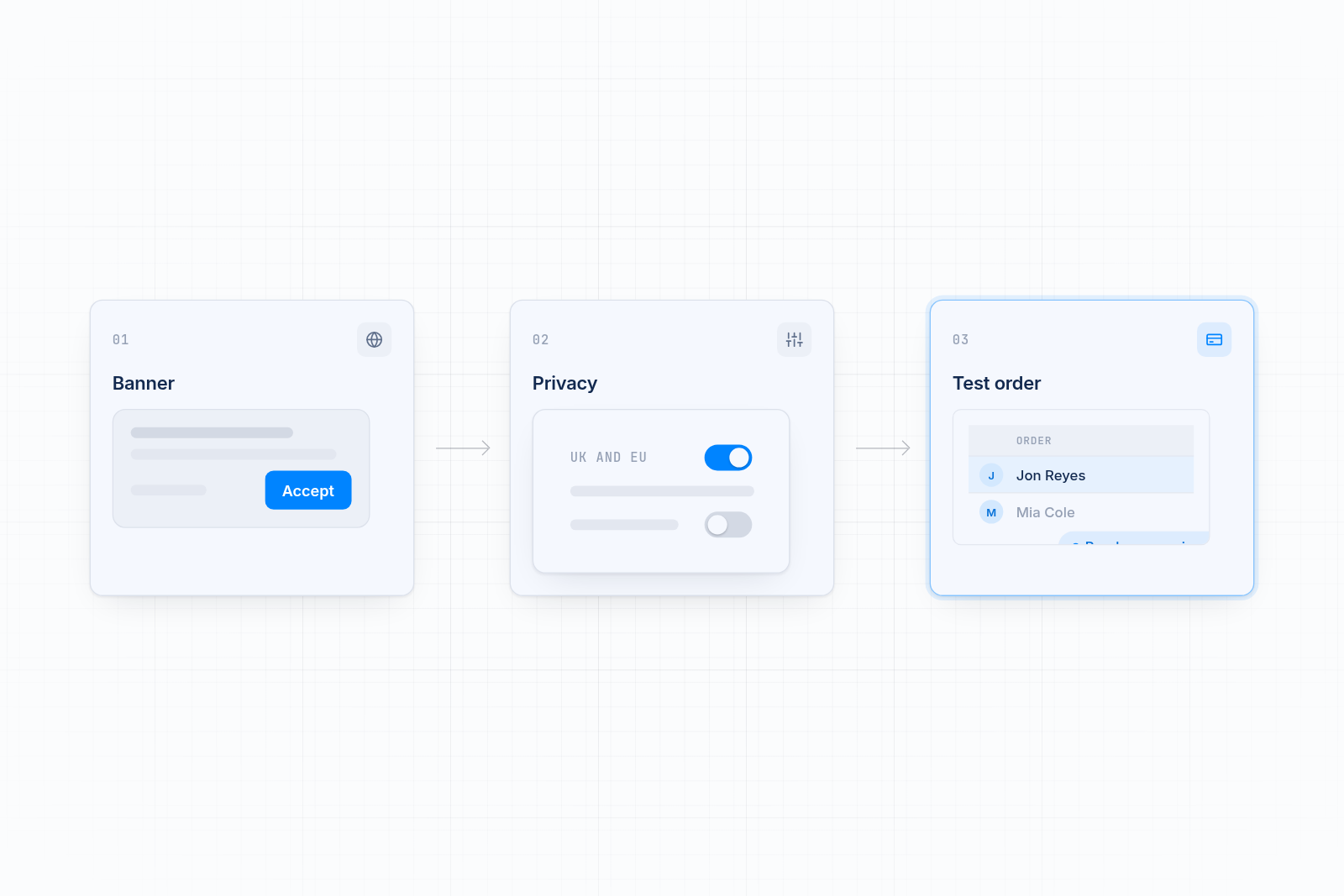
Banner settings that protect customers without wasting ad spend
Good banner settings respect customer choice and make it easy to say yes. You cannot force consent, and you should not try. You can remove friction that makes people ignore the banner.
Use clear wording
Say what the cookies do in plain words. A short line explaining the banner helps visitors decide. Avoid long legal text that people scroll past. Visitors who understand the choice are more likely to make one.
Show a visible accept button
Give the accept button the same weight as the decline button. Hide neither. A banner that is easy to read and act on gets a real answer, and that beats an ignored banner, which counts as a no.
Don't use tricks that nudge visitors into accepting. Regulators look at this, and it puts your store at risk. Equal choices are the safe route.
Set the right region rules
Ask for consent where the law requires it, and match your setup to the regions you sell to. If you sell in the UK and EU, keep the banner on for those regions. Check with a legal adviser for your own situation, because this post is not legal advice.
Keep the banner consistent across pixels
Every pixel should follow the same rules. If Meta waits for consent and TikTok does not, your data will disagree and you may break the rules you set out to follow. Review each pixel's permissions after any change.
What server-side events can and cannot recover
Server-side events help when the browser loses a signal, but they do not override a visitor's refusal. Many store owners expect too much here. For setup steps, see how to set up server-side tracking on Shopify.
What they can help with:
- Browser signals lost to ad blockers or privacy features in some browsers.
- Events that fail to reach the platform because of a slow page or a closed tab.
- Better matching between browser and server events, when both are set up to avoid double counting.
What they cannot do:
- Send data about a visitor who declined tracking. A refusal applies whichever route the data takes.
- Close the whole gap between Shopify orders and ad platform purchases.
Use server-side events to make consented tracking more complete, not to get around the banner. If you use them, respect the visitor's choice just as you do for browser events.
Your options compared
Each option follows your consent settings, but they differ in how much checking you do yourself. Store owners usually choose between leaving things as they are, setting up each platform on its own, hiring a developer, or using a pixel app. Here is how they compare for a store with a consent banner.
| Option | What it does | Where it falls short |
|---|---|---|
| Leave the default setup | Pixels follow your privacy settings | Easy to miss a pixel with different permissions |
| Each platform's own app | Connects one pixel per platform | Covers one platform each, so you check consent in several places |
| Developer | Writes custom consent logic | Each change is a new bill, and code can break when your theme updates |
| MultiPixels | Installs and manages Facebook, Instagram, TikTok, Snapchat, X and Pinterest pixels in one dashboard, with a backup pixel option | Does not change what visitors consent to, and cannot track visitors who decline. Paid after the 10-day free trial |
How MultiPixels helps you manage consent across pixels
MultiPixels lets you install and manage all your pixels in one place, so each one follows the same consent rules. No code or tech team required.
What it does:
- Installs pixels through Shopify, so you do not edit your theme.
- Shows every installed pixel in one dashboard, so a duplicate or mismatched setup is easy to spot.
- Covers Facebook, Instagram, TikTok, Snapchat, X and Pinterest.
- Keeps a backup pixel running, so data keeps collecting if an ad account runs into trouble.
- Supports custom audience and lookalike building on higher plans.
What it doesn't do: make visitors accept your banner, or collect data from people who decline. It also doesn't write your ads or replace your ad accounts. Plans are $9.99, $19.99 or $39.99 a month after a 10-day free trial.
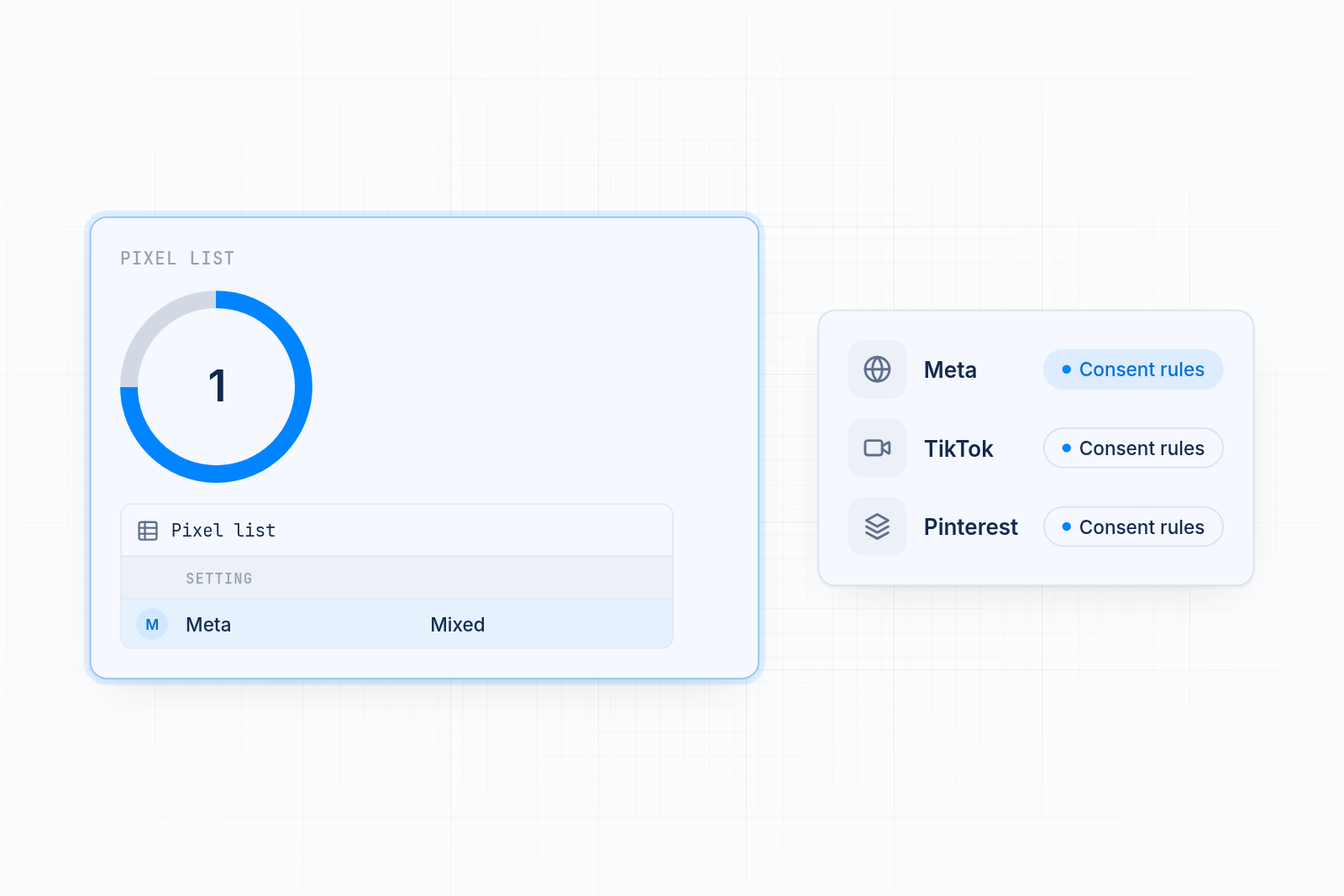
How to check your tracking after you turn on a banner
Run a short test with consent on and consent off. It shows whether your pixels are working or the banner is simply doing its job.
- Open your store in a private window. You will see the banner as a new visitor does.
- Accept the banner. Browse a product, add it to the cart and complete a test order.
- Check Meta and TikTok. Use each platform's test events tool. The events should show once each, and the purchase should match your Shopify order.
- Repeat with a decline. Open a fresh private window, decline the banner and browse. No events should appear.
- Compare over time. Look at a few weeks of Shopify orders and ad platform purchases to see your typical gap.
If events appear after you accept and stay quiet after you decline, your setup is working as designed. If they never appear, check that each pixel is connected and installed only once. For a Meta-specific walkthrough, see Meta Pixel Helper showing no pixel found.
Get your pixels working with your cookie banner
A cookie banner changes when your pixels run. Set clear banner wording, keep a visible accept button, match region rules to where you sell, and keep every pixel on the same consent settings.
Install the MultiPixels app from Shopify and start the 10-day free trial. You can manage your Facebook, Instagram, TikTok, Snapchat, X and Pinterest pixels from one dashboard, with no code or tech team required.