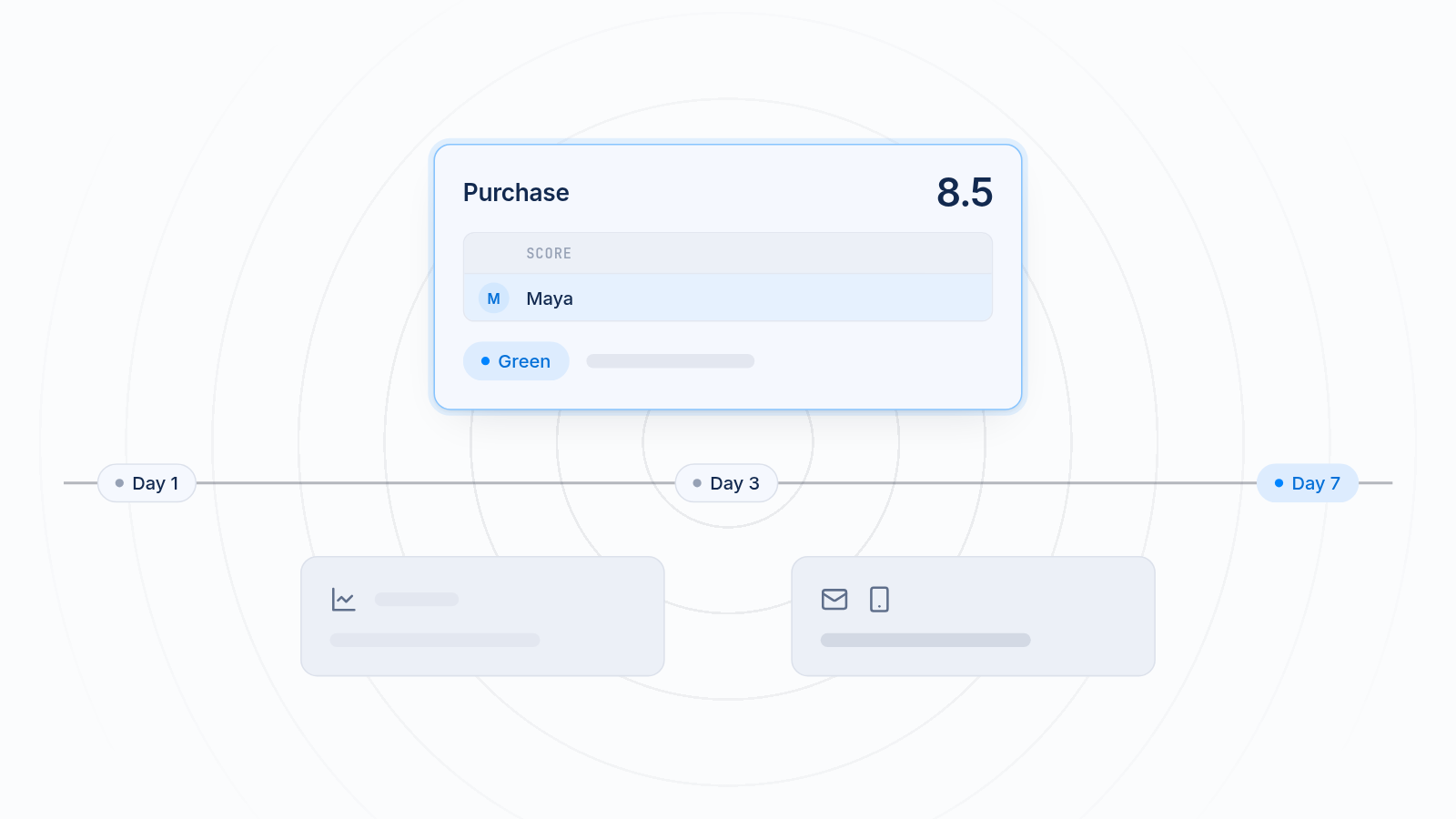
Choosing between the Meta pixel and GA4 for your Shopify store is less of a choice than it looks. They measure different things for different jobs, so most stores end up using both.
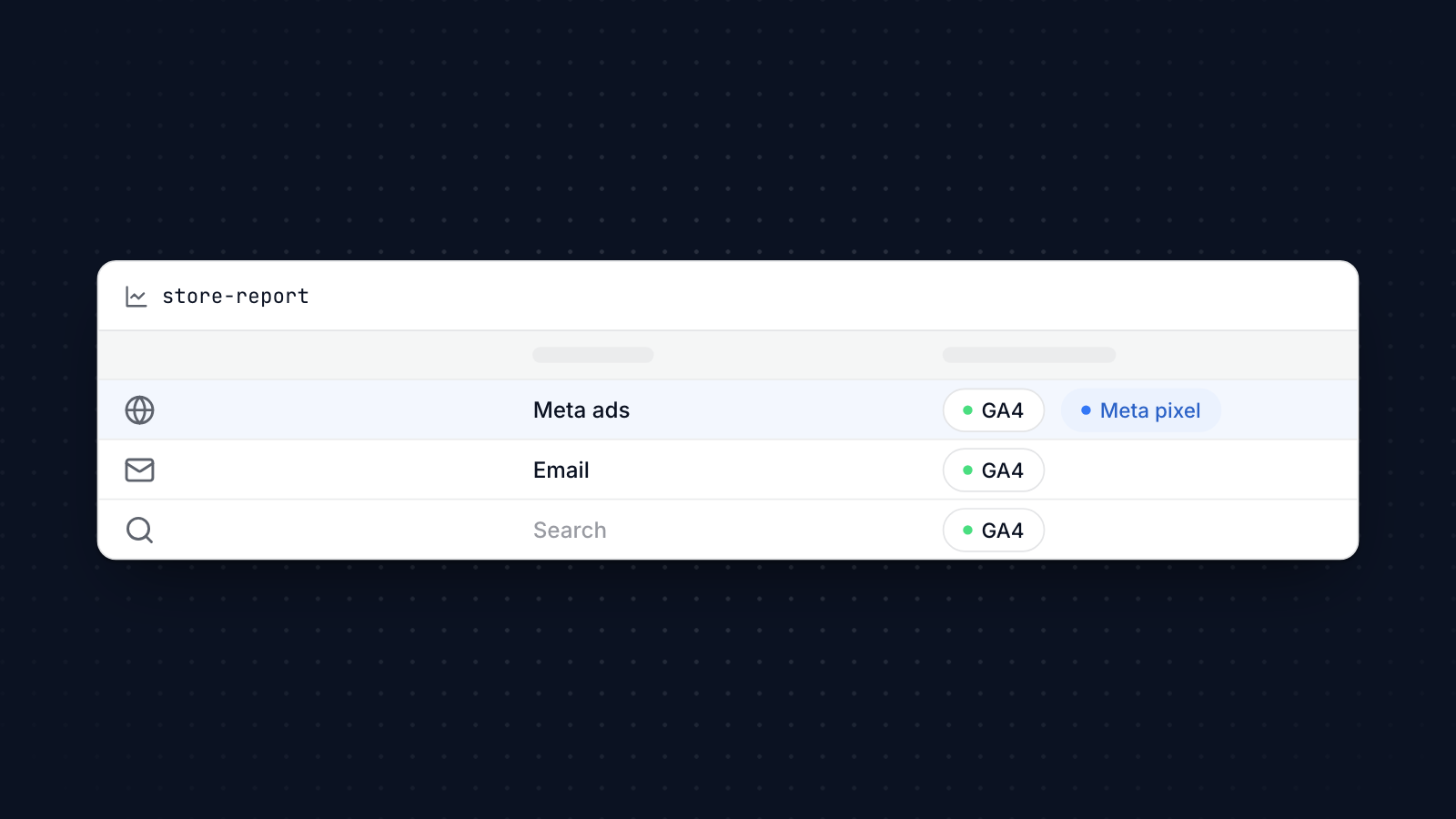
GA4 shows how your whole store performs across every channel: search, email, social, ads and direct visits. The Meta pixel exists to make your Facebook and Instagram ads work better. This guide compares Meta pixel vs GA4 on tracking, setup, accuracy, reporting and privacy, and shows how to use them together.
Key takeaways
GA4 is website analytics: it shows every channel and how they work together.
The Meta pixel is ad tracking: it measures and optimizes Facebook and Instagram ads.
They attribute sales differently, so their numbers will not match, and that is expected.
On Shopify, connect GA4 with the Google & YouTube app and the Meta pixel with the Facebook & Instagram app.
Most stores should run both, each for its own job.
What GA4 Is
Google Analytics 4 (GA4) is Google's website analytics tool. It records each visit and action as an event, such as a page view, add to cart or purchase, and shows where visitors came from and what they did.
That lets you follow customers across visits and channels: someone who finds you through search, leaves, then returns from an email and buys. You can see which channels bring the most valuable customers, not just the most visits.
GA4 also connects to other Google tools, such as Google Ads, Search Console and Google Tag Manager. On Shopify, the standard ecommerce events, such as product views, add to cart, checkout and purchase, are sent for you once GA4 is connected.
For stores with repeat customers, GA4's reports on user lifetime value and its predictive audiences, such as people likely to buy in the next week, help with retention and remarketing.
What Meta Pixel Is
The Meta pixel, formerly the Facebook pixel, is Meta's tracking code. Its job is to make your Facebook and Instagram ads work better.
It records what people do on your store, such as viewing products, adding to cart and buying, and sends it to Meta. Meta uses those events to measure which ads led to sales, show your ads to people likely to buy, and build audiences.
Two kinds of audience matter most. Custom audiences let you retarget people who visited, for example showing someone the shoes they looked at last week. Lookalike audiences find new people who resemble your buyers.
The pixel works alongside Meta's Conversions API, which sends the same events from a server. That keeps tracking working when browsers or ad blockers stop the pixel.
How Each Tool Tracks User Behavior (With Examples)
GA4 follows the whole customer journey. Say someone finds your store on Google, leaves without buying, and comes back three weeks later from your newsletter to buy. GA4 records both visits and, by default, uses data-driven attribution to share credit between the channels that helped.
The Facebook pixel focuses on what happens after someone sees or clicks your Meta ads. It records views, add-to-carts and purchases, and credits them to ads within Meta's attribution window, by default 7 days after a click or 1 day after a view. Meta's delivery system learns from those events, together with data from its own users, to find more people likely to buy. Here is more on how the Meta pixel feeds your ads.
GA4 shows your whole marketing picture; the Meta pixel improves your Meta ads.
Ease of Integration in Shopify
Both connect to Shopify through official apps, without code.
GA4: install Shopify's Google & YouTube app, connect your Google account, and choose your GA4 property. Shopify then sends the standard ecommerce events. Extra events, such as newsletter sign-ups, may need Google Tag Manager or a custom pixel.
Meta pixel: install Shopify's Facebook & Instagram app, connect your Meta business account and pixel, and set data sharing to Maximum. That also turns on the Conversions API.
Install each one once. A second copy of the same GA4 tag or Meta pixel, for example in your theme code, counts every event twice in that tool.
Data Accuracy & Attribution
Neither tool sees everything, and they count differently.
Both run in the visitor's browser by default, so ad blockers, browser privacy settings and declined cookie consent stop some events reaching either one. Meta's Conversions API helps the Meta side by sending events from Shopify's servers.
They also give credit differently. Meta credits a sale to an ad if the person clicked or viewed it within its window, even if they came back through another channel. GA4 spreads credit across the channels in the journey. So Meta usually reports more sales from Meta ads than GA4 does, and neither will match Shopify's order count exactly. That is normal. Our guide to fixing pixel and Shopify data mismatches explains how to read the differences.
Reporting & Dashboard Differences
GA4 reports cover your whole store: traffic by channel, user behavior, revenue and conversion paths. You can build custom explorations, such as which blog posts lead to sales weeks later, and watch real-time activity during a launch.
Meta's reporting lives in Ads Manager and Events Manager, and focuses on your ads: purchases by campaign, cost per purchase, return on ad spend and audience performance.
GA4 helps you understand the business. Meta's reports help you spend your Meta budget well. Each is a good tool for its own job, but neither replaces the other.
Privacy & Consent: The Impact of iOS 17
Privacy changes affect both tools, in different ways.
Apple's App Tracking Transparency lets iPhone users opt out of tracking across apps, which limits what Meta can match from people using its apps. Since iOS 17, Apple's Link Tracking Protection also strips some tracking parameters from links opened in Mail, Messages and private Safari browsing. Both mean Meta sees fewer conversions from iOS users.
GA4 mostly measures your own site, so it is less affected by tracking limits across apps. But it is still blocked by ad blockers and depends on consent where the law requires it. GA4's consent mode lets it adjust what it collects based on each visitor's choice.
Both tools need a proper consent setup in regions such as the EU and UK: a cookie banner that asks before tracking starts. Shopify's customer privacy settings can manage this for both.
How much this matters depends on your customers. Stores with many young, mobile, iPhone-using shoppers tend to see bigger gaps in Meta's numbers than stores whose customers mostly buy on desktop.
Rather than waiting for the browser rules to settle, both platforms are moving toward first-party and server-side data. The Conversions API is Meta's version; GA4 can be paired with server-side tagging.
Best Use Cases: When to Prefer Each
Use each tool for the question it answers best.
GA4 suits you when you need the whole picture: you run email, Google ads, organic social, content and ads on several platforms, and want to see how they work together. It also suits stores that rely on SEO and content, since you can see which pages bring buyers, and stores with long buying cycles or subscriptions, where lifetime value matters.
The Meta pixel is essential when Facebook and Instagram ads are a big part of your marketing. It improves targeting, lowers cost per purchase and makes retargeting possible. Visual products such as fashion, home decor and beauty tend to do especially well with dynamic product ads and lookalike audiences.
Hybrid Strategy: Using Both Tools Together
Running both is the usual choice for stores that advertise on Meta.
- Use GA4 for overall performance, channel comparison and lifetime value.
- Use the Meta pixel to measure and optimize Facebook and Instagram ads and build audiences.
Keep the setup clean: one GA4 connection and one Meta pixel connection, both through Shopify's apps. Tag your Meta ad links with UTM parameters so GA4 shows Meta traffic by campaign, and you can compare it with what Meta reports.
If you need custom events in both tools, Google Tag Manager or a pixel app can send the same event to each, so you define it once.
Conclusion
Meta pixel vs GA4 is not an either-or choice. GA4 shows how your whole store and every channel perform. The Meta pixel makes your Facebook and Instagram ads more profitable. Most Shopify stores use both, connected through Shopify's apps, and accept that each counts a little differently.
MultiPixels installs GA4 alongside Meta and the other social media pixels, such as TikTok, Pinterest and Snapchat, on a Shopify store without editing theme code. Install MultiPixels on your Shopify store to run several tracking pixels at once.