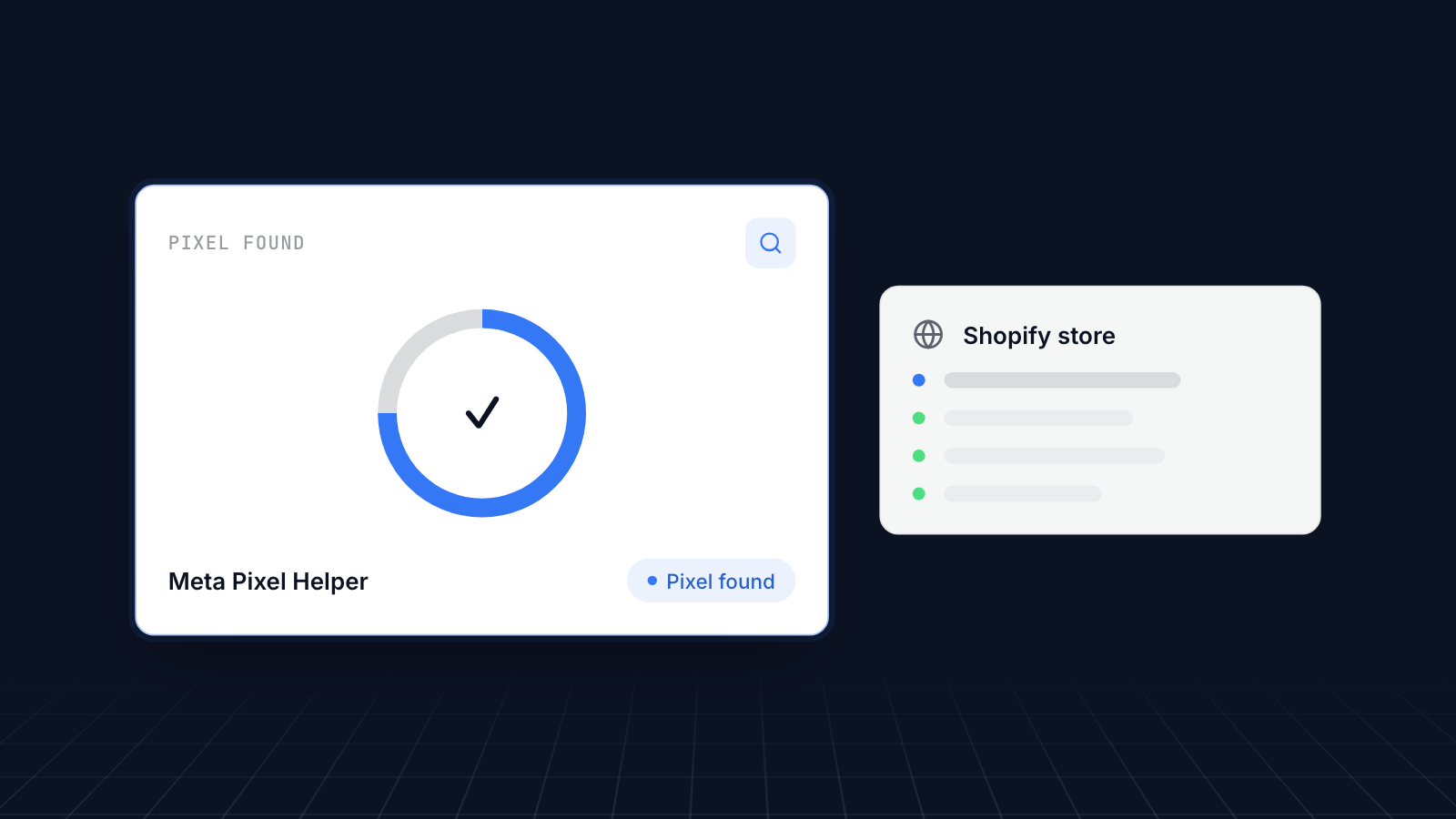
Meta Pixel Helper is a free Chrome extension that shows whether the Meta pixel on your Shopify store is working, page by page. If the pixel is missing, firing twice or sending the wrong events, your Facebook and Instagram ads optimize on bad data, and Pixel Helper is the quickest way to spot it.
This guide covers what the Meta pixel does, how to use Pixel Helper, what its errors mean, and what it cannot check.
Key takeaways
Meta owns Facebook, Instagram, Threads and WhatsApp, so its ads reach a large share of most stores' customers.
The Meta pixel records what visitors do on your store and tells Meta which ads led to sales.
Meta Pixel Helper is a free Chrome extension that shows the pixel and events on each page you visit.
Its errors point to common problems: duplicate events, invalid pixel IDs and non-standard event names.
It only sees events from your browser. Use Test Events in Events Manager to check Conversions API events from the server.
Why Meta Marketing Matters For Your Shopify Brand
Meta's apps reach billions of people, so for most Shopify stores they are a major source of customers.
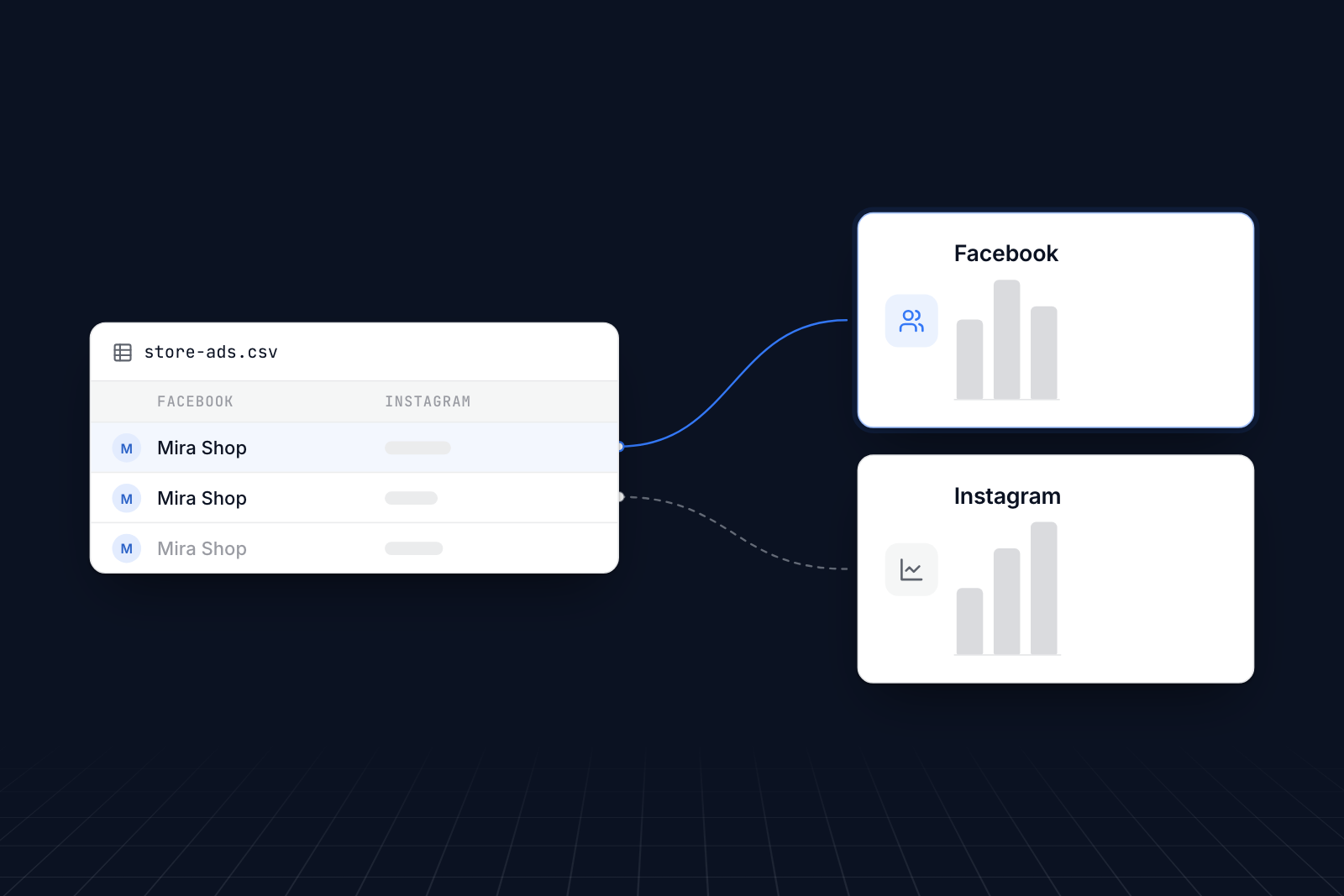
Meta owns Facebook, Instagram, Threads and WhatsApp. People spend a lot of their screen time on these apps, and many discover products there. Surveys report that a large share of shoppers have bought something after seeing it on social media.
Meta's ads work best when Meta knows what happens on your store after someone clicks. That is the pixel's job, and Pixel Helper is how you check it is doing it.
What a Meta Pixel Is
A Meta pixel (formerly the Facebook pixel) is a piece of code on your store that records what visitors do and sends those events to Meta.
It records actions such as:
- Page views
- Product views
- Add to cart
- Checkout started
- Purchases
- Custom events you define
Meta uses these events in three ways. It measures which ads led to sales. It builds audiences, so you can retarget someone who added a product to their cart and show them that product again on Facebook or Instagram. And it learns who is likely to buy, so it can show your ads to similar people.
With reliable pixel data you can also compare ads properly and run A/B tests on your creative and offers.
What Meta Pixel Helper Is
Meta Pixel Helper is a free browser extension from Meta that checks the Meta pixel on any page you visit.
You need a pixel connected to your store first. Our guide to creating a Meta pixel walks through it.
To use Pixel Helper:
- Install Meta Pixel Helper from the Chrome Web Store.
- Visit your store. When a page has a Meta pixel, the extension's icon turns blue and a badge shows how many pixels it found.
- Click the icon to see each pixel ID and the events it sent on that page, with their parameters.
- Browse the pages that matter: the home page, a product page, the cart, and checkout. Add something to your cart and check that the AddToCart event appears.
It runs in your browser only and changes nothing on your store, so it is safe to use on a live site.
Common messages and what they mean:
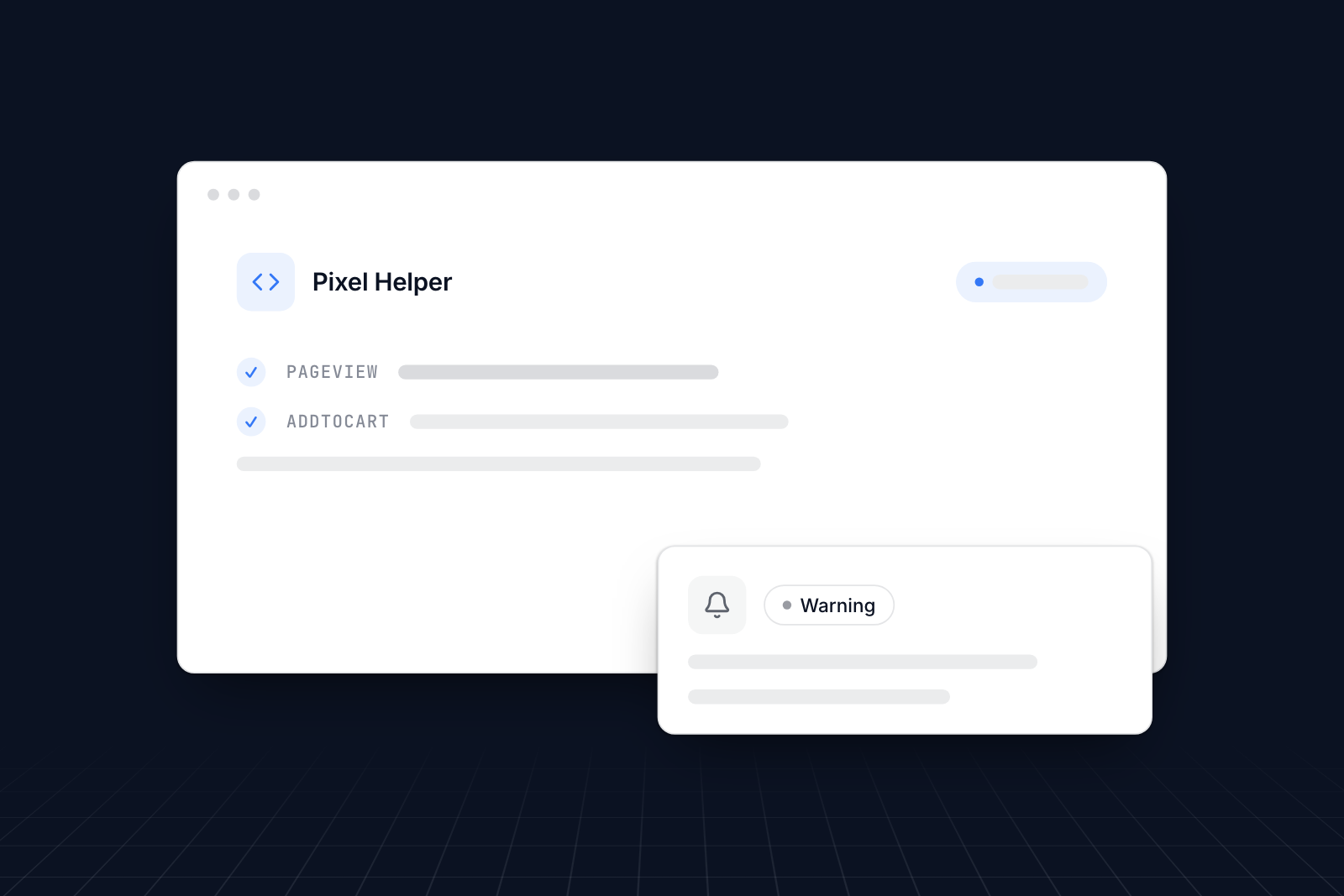
- Pixel Activated Multiple Times: the same pixel sent the same event more than once on one page. Usually the pixel is installed twice, for example by an app and by code in your theme.
- Invalid Pixel ID: the ID on the page does not match a pixel Meta knows. Check the ID in Events Manager.
- Not a Standard Event: the event name is not one of Meta's standard events, often a spelling difference such as "Purchased" instead of "Purchase".
- Pixel Did Not Load: the pixel code is on the page but failed to run.
- Pixel Took Too Long to Load: the page loaded slowly or the pixel loaded late, so some actions may not be recorded.
- Encoding issues: characters such as "&" were encoded twice in the data sent.
Use Pixel Helper alongside your UTM-tagged links and your ad reports: the extension confirms the pixel fires, and the reports show what that data says.
What Pixel Helper cannot see
Pixel Helper only shows events sent from your browser. Shopify's Facebook & Instagram app can also send events from Shopify's servers through Meta's Conversions API, and those never appear in the extension. To check them, open your pixel in Events Manager and use Test Events: browse your store and watch both browser and server events arrive. Server events are labeled with a server source.
If an event shows up in Pixel Helper but not in Events Manager, or the other way round, check the pixel ID and look at the Diagnostics tab in Events Manager.
Why the Meta Pixel Helper is Necessary For Shopify Businesses
Pixel Helper catches tracking problems before they waste your ad budget.
It checks that the pixel is present, loads, is not duplicated and has a valid ID, on every page you visit. Problems show up as you browse, with a short explanation, so you can tell quickly whether an issue affects one page or the whole store.
Why that matters:
- Peace of mind. A blue icon with the events you expect means the basics work.
- Faster fixes. Each message names the problem, so you know where to look.
- Page-by-page view. You can see whether a problem is on one template, such as product pages, or across the store.
- Accurate data. Duplicate or missing events distort your results. Fixing them makes your reports and audiences trustworthy.
- Better ad spend. Meta optimizes campaigns using pixel events. Wrong events mean Meta optimizes for the wrong thing.
With the pixel working, you can see which ads and pages bring sales and drive more traffic to your store through the campaigns that work.
When Pixel Helper does show a problem, our guide to fixing a Facebook pixel that is not working covers the usual causes.
Conclusion: Upgrade Your Shopify Store’s Meta Marketing with MultiPixels and Meta Pixel Helper
Meta Pixel Helper is the quickest way to check your Meta pixel: install it, browse your store, and fix anything it flags. Then confirm server events with Test Events in Events Manager.
If you also advertise on TikTok and other platforms, MultiPixels installs Meta, TikTok, Pinterest, Snapchat and GA4 pixels on a Shopify store without editing theme code. Install MultiPixels on your Shopify store to run several tracking pixels at once, and get started here.